2.6
– Select the town or city.
– Do the same actions for the
“Street” and “House number”
fields.
Note: The system will store the
last towns/cities entered in its
memory. You can directly select
one of these towns.
Note: Only addresses known to
the system through the digital
map are authorised.
Note: The system displays the
country and town/city correspond-
ing to your final destination by de-
fault. You can directly enter the
street name if the requested des-
tination is in the same town/city as
the final destination entered.
Using voice recognition to enter an
address
From the “Destination” and “Itinerary”
screens, press the voice recognition
button, then state a town/city, street
name and/or number after the beep.
Enter the town/city name or a
postcode using the digital keypad.
The system may suggest several
town names.
– Press the town/city name dis-
played on-screen to confirm
your selection.
– Access the full list correspond-
ing to your search.
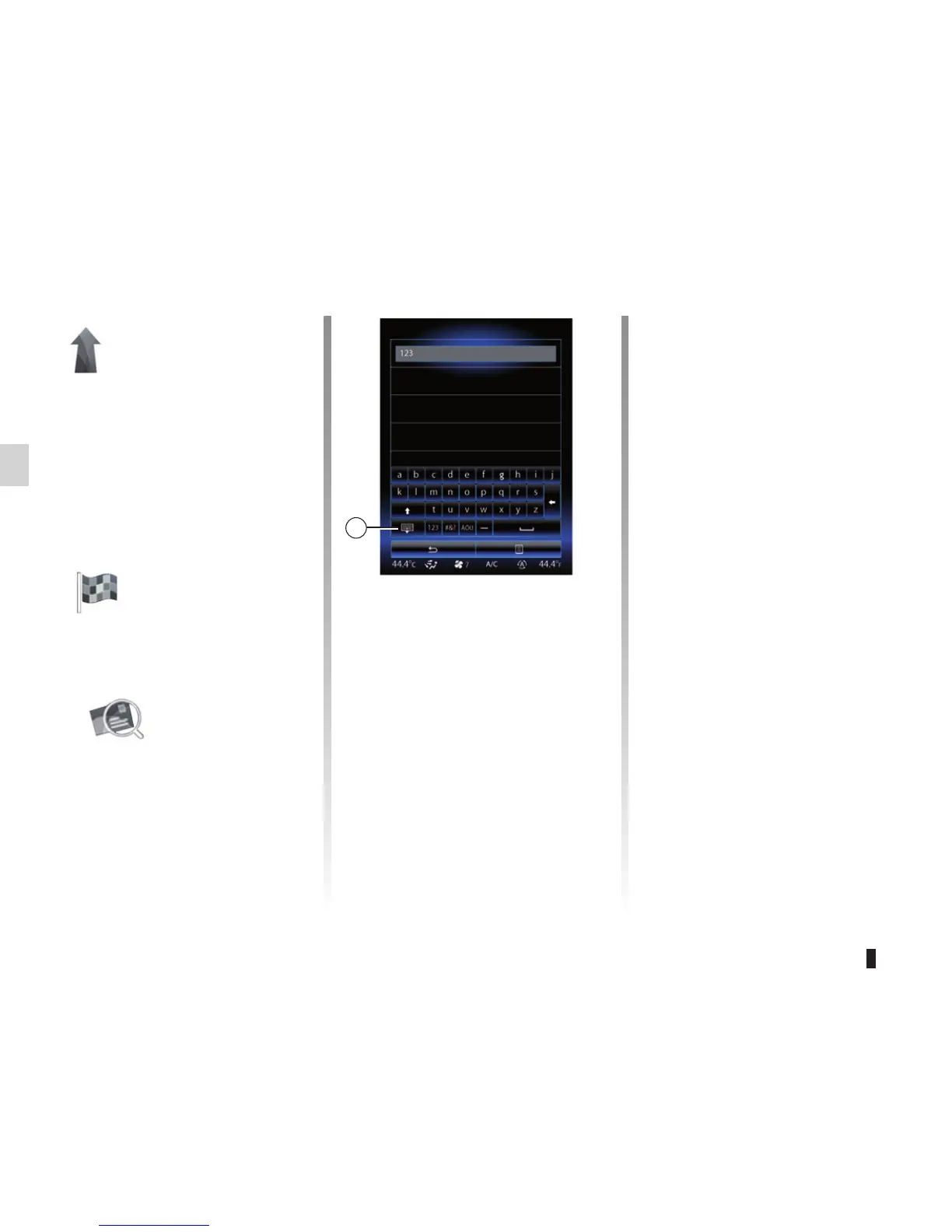
Note: You can hide the keypad
to display the full results list by
pressing 1.
ENTERING A DESTINATION (1/6)
“Navigation”
Menu
From the home screen, press “Menu”,
then “Navigation” to access the follow-
ing menus:
– “Destination”;
– “Itinerary”;
– “Traffic”;
– “Map”;
– “Settings”.
“Destination”
The “Destination” menu offers you
several ways to enter a destination:
“Address”
This section enables you to enter
a full or partial address: country,
town, street and house number.
When using it for the first time, the
system will ask you to choose the
destination country.
Select city
Sens
Yonne, France
Montargis
Loiret, France
Paris
France
1



 To Next Page