6.2
Area
(depending on the vehicle)
The selected colour and intensity can
be applied to each area:
– dashboard;
– front area;
– rear area.
Press “On” for the desired area to apply
the selected colour and intensity.
Pop-up menu
To reset and return to the default set-
tings, press the pop-up menu button,
then Reset.
AMBIENT LIGHTING
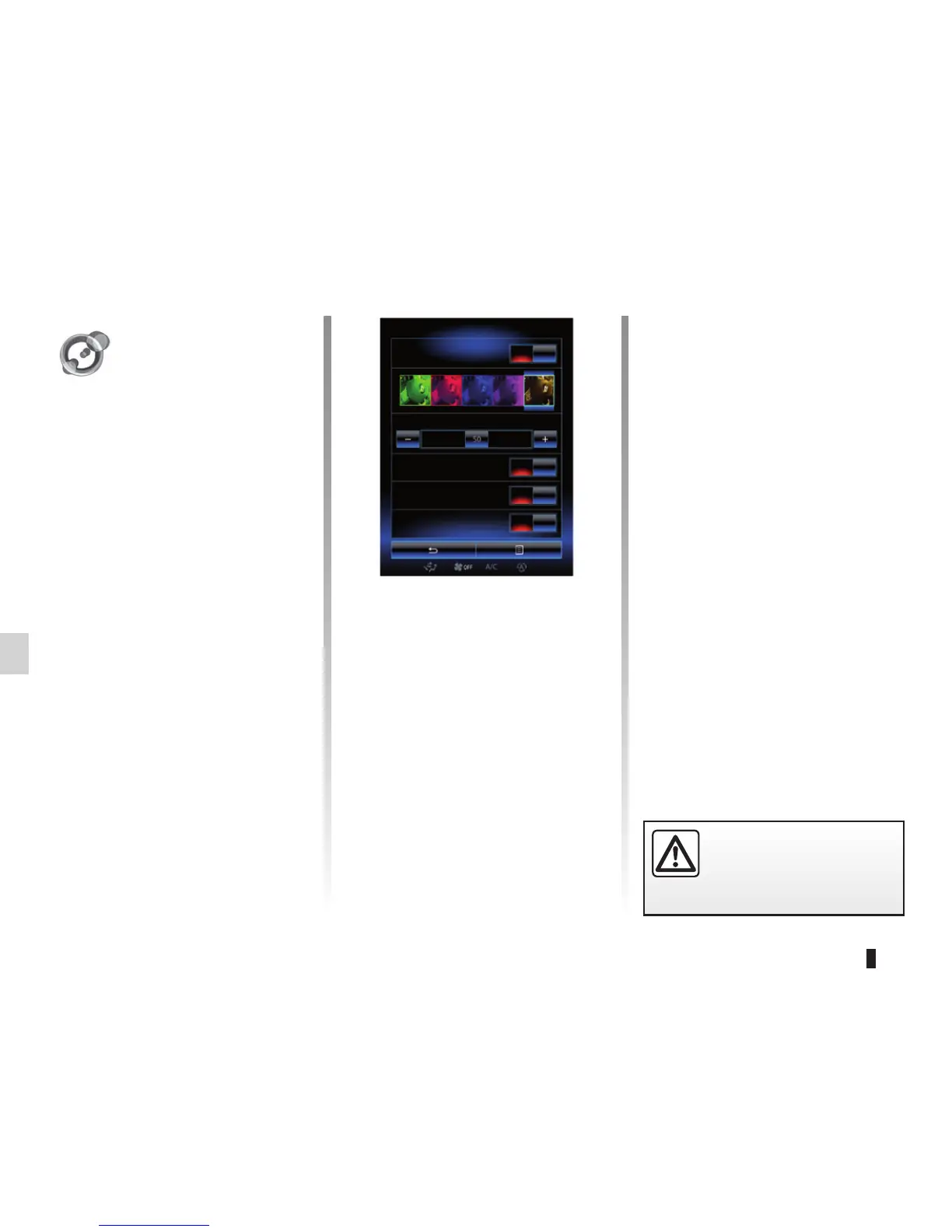
Color
Select one of colours to change the
colour. You can choose from among the
five following colours: green, blue, red,
purple and brown.
« Intensity »
You can control the intensity of the am-
bient lighting. To do this, press buttons
+ or –.
For safety reasons, carry
out these operations when
the vehicle is stationary.
Ambient light
Ambient light
Intensity
Dashboard
Front area
Rear area
On
On
On
On
« Ambient light »
(depending on
the vehicle)
From the home page, press Menu,
Vehicle then Ambient light.
This menu enables you to set the fol-
lowing settings:
– Ambient light on/off;
– Color;
– Intensity;
– Area.
« Ambient light »
This option can activate or deactivate
the ambient light.
Note: If ambient light is off, the other
options are disabled.



 To Next Page