6.17
TAKE CARE (1/2)
Take care
On
Air quality sensor
Deodorization cycle
4
1
2
3
Activation/deactivation of the air
freshening cycle
This function activates or deactivates
the air freshener cycle by selecting On
or OFF. Please refer to the driver's
handbook for further information.
OFF
“Take care”
Menu
(depending on the ve-
hicle)
From the home screen, press Menu,
Vehicle, Take care then, depending on
the vehicle, Air quality.
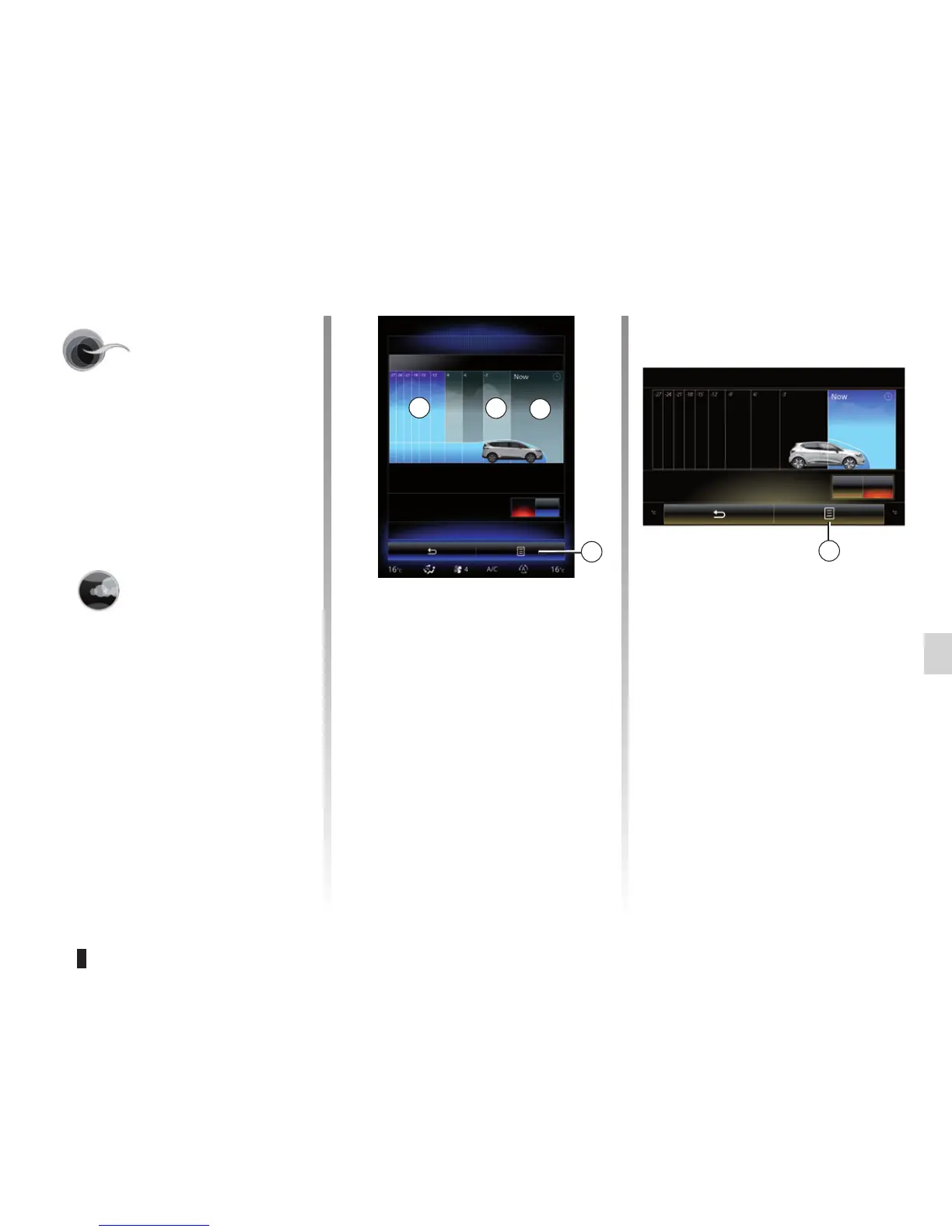
The Take care menu shows an air qual-
ity graph.
« Air quality »
(depending on the ve-
hicle)
The graph shows the estimated out-
side air quality within the last 30 min-
utes of use.
Three colours indicate the air quality
level (from the cleanest to the most
polluted):
1 (blue) - 2 (light gray) - 3 (gray)
On
Deodorization cycle
Air quality
4
Reset settings values
This function returns to the default
values. Press 4 then “Reset” to reset.



 To Next Page