6.7
DRIVING AIDS (1/2)
« Lane departure warning setting »
Press this menu to adjust the audio
volume and the lane departure warning
sensitivity.
– “Volume”: press + or – to adjust the
volume level (five levels).
– “Sensitivity”: select Low, Middle or
High to adjust the warning sensitivity.
Note: If Lane departure warning is on
OFF, the Lane departure warning set-
ting function is greyed out.
« Distance warning »
This system notifies the driver when
they are too close to other vehicles.
Please refer to the driver’s handbook
for further information. Select “On” to
activate the system.
For safety reasons, carry
out these operations when
the vehicle is stationary.
“Driving
assistance” Menu
(depending on the ve-
hicle)
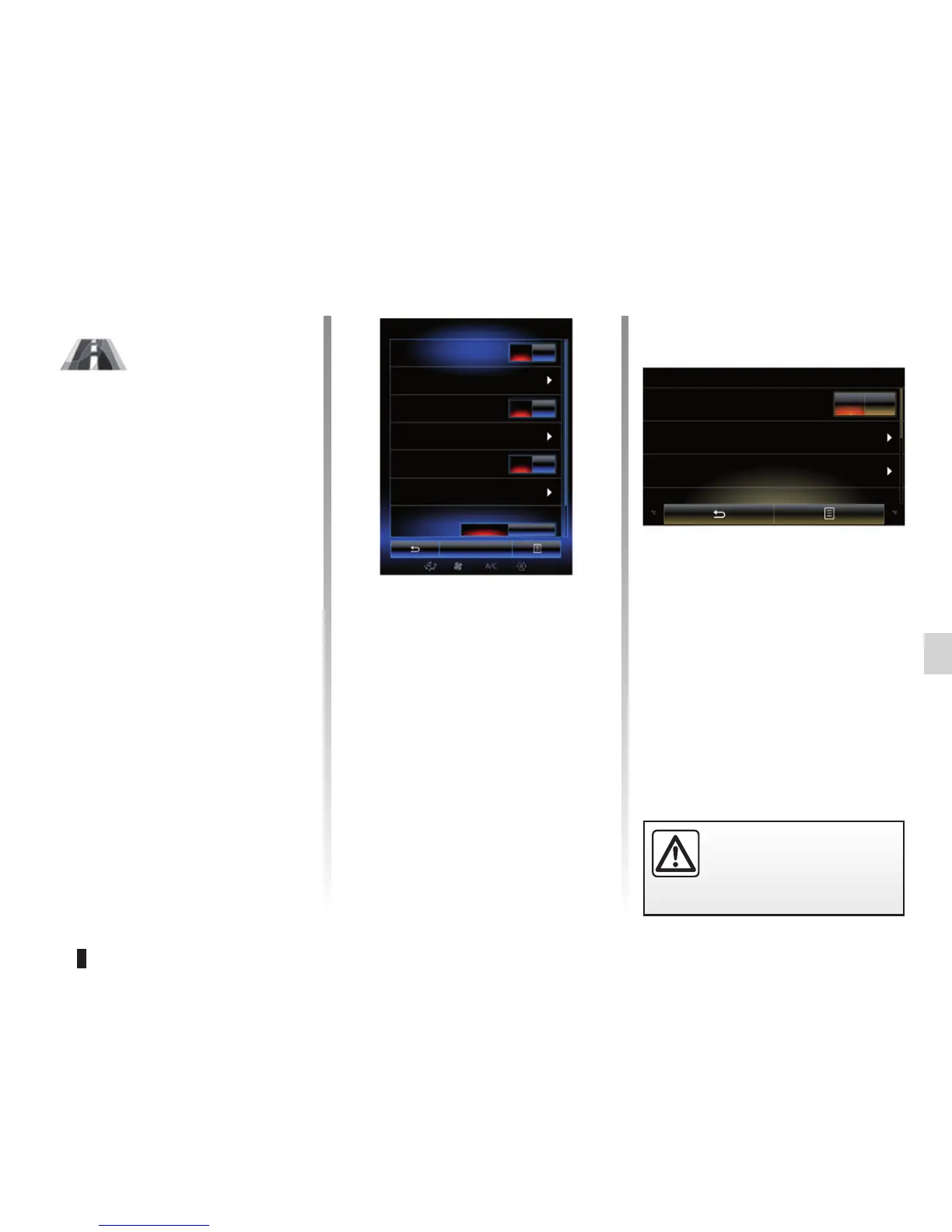
From the home screen, press Menu,
Vehicle then Driving assistance to
access the following items:
– « Lane departure warning » ;
– « Lane departure warning setting » ;
– « Distance warning » ;
– « Active braking » ;
– « Blind spot alert » ;
– « Speed alert settings » ;
– « Traction control » ;
– « Automatic high beams ».
« Lane departure warning »
This system notifies the driver when
they inadvertently cross a continuous or
broken line. Please refer to the driver’s
handbook for further information. To ac-
tivate it, select On.
Driving assistance
Lane departure warning
Lane departure warning setting
On
On
On
Auto Expert
Distance warning
Active braking
Blind spot alert
Speed alert settings
Traction control
Driving assistance
Lane departure warning
Lane departure warning setting
Active braking
On OFF



 To Next Page