3.12
– hide/show the status and control bar
by pressing the image preview area;
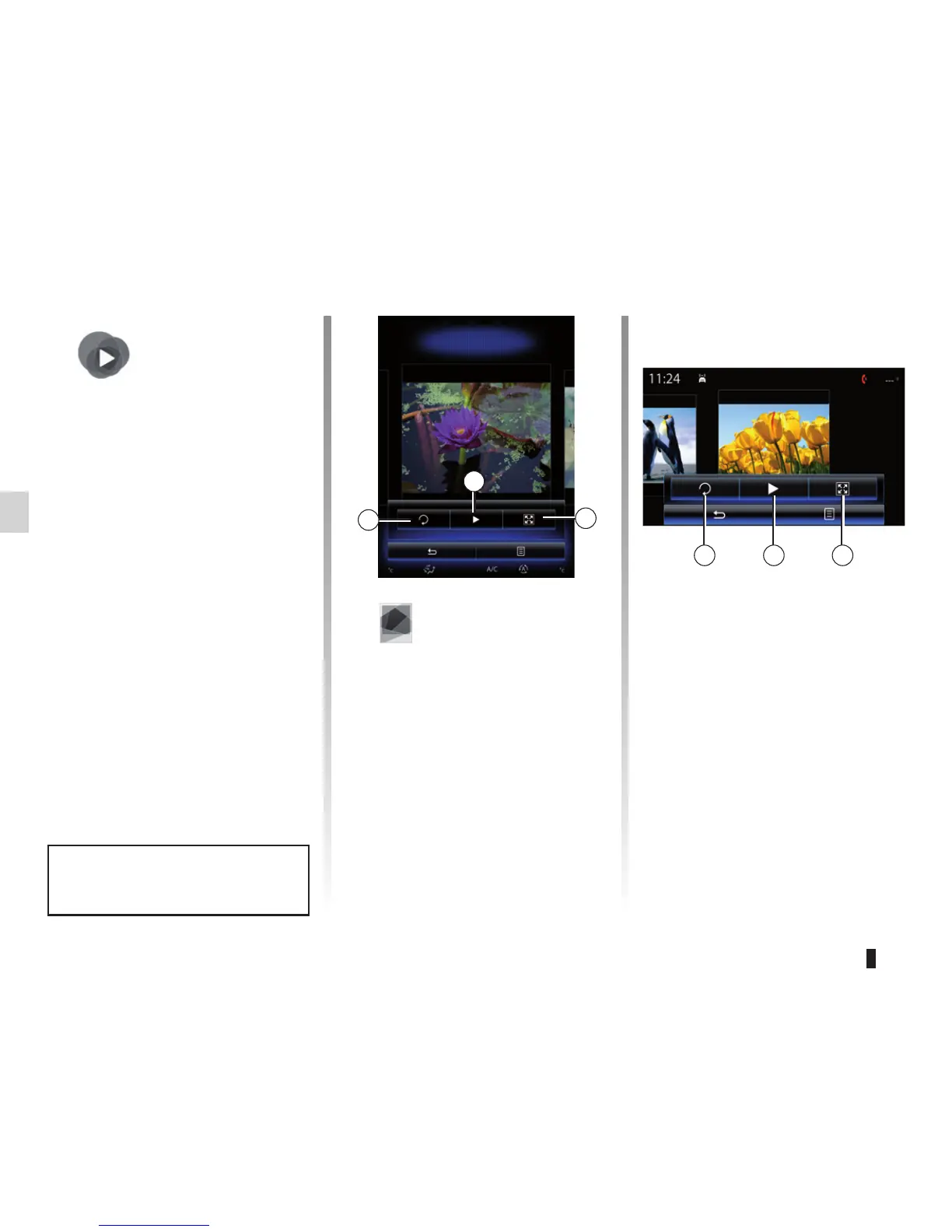
– rotate a photo by pressing 1;
– play a slideshow by pressing 2;
– switch from normal (adjusted) mode
to full screen mode by pressing 3.
PHOTO (1/2)
1
2
3
Holiday photos.jpg
“Multimedia”
Menu
From the main menu, press
“Multimedia”, then “Photo” and select
the connected source (SD card, USB,
etc.) to access your photos.
Note: Some formats may not be read-
able by the system.
Note: For more information on compat-
ible photo formats, please consult an
authorised dealer.
Photo playback is only possible
when the vehicle is stationary.
“Photo”
Playback
You can choose between reading all
the photos in a slideshow or viewing
a single photo.
When viewing a photo, you can:
– access the previous and next
photo by flicking image view area;
Tulipes_02.jpg
1 2 3



 To Next Page