3.13
PHOTO (2/2)
“Settings”
From the settings, you can:
– change the display time for each
photo in the slideshow;
– active/deactivate animation effect
between each photo in the slide-
show.
Once the settings have been made,
press 4 to save your changes and
return to the previous screen.
Note: The slideshow animation effect is
activated by default.
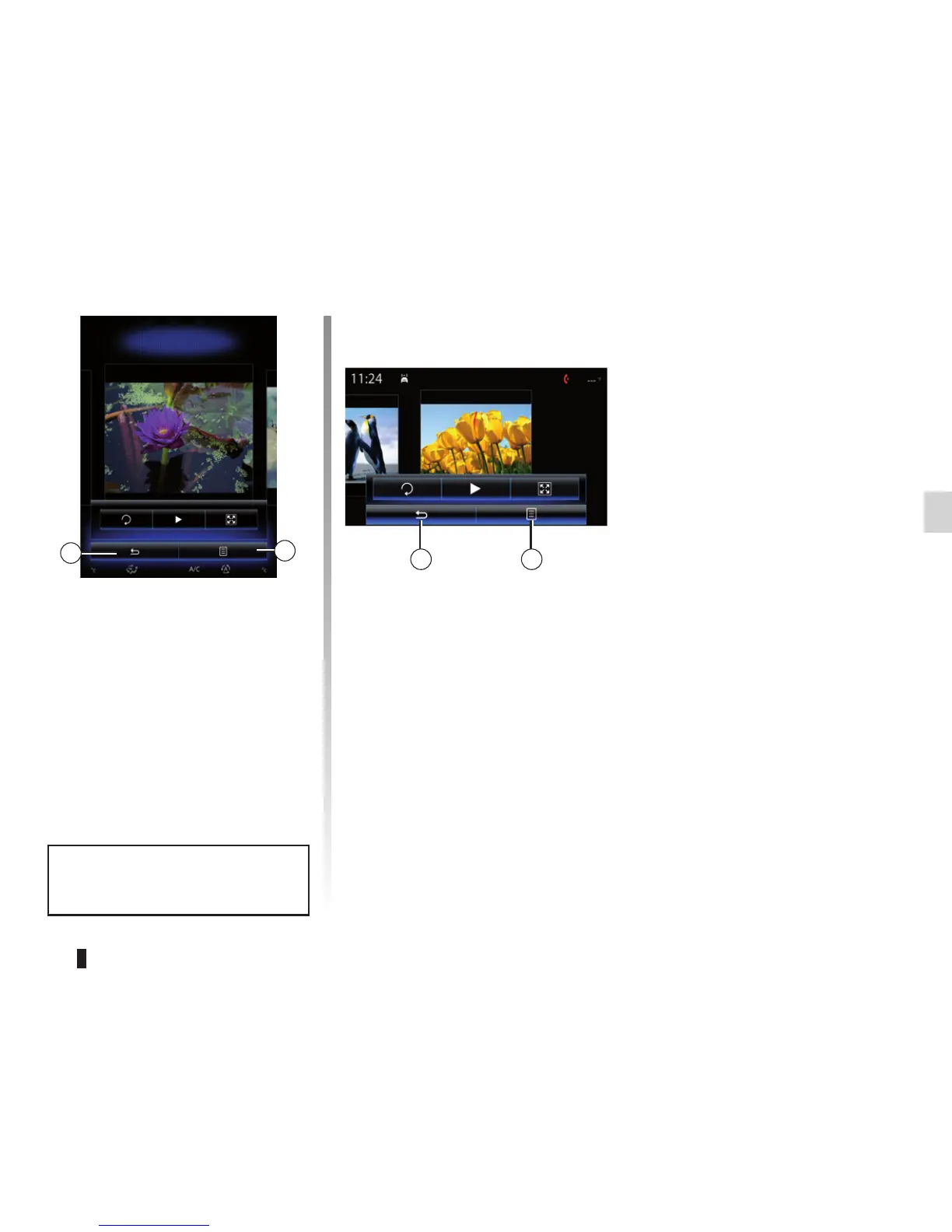
Pop-up menu
From the photo display screen, press 5
to:
– get detailed information of photos
(title, file type, date, path, etc.);
– set the photo as a user profile;
– Accessing settings
5
Holiday photos.jpg
4
Tulipes_02.jpg
54
Photo playback is only possible
when the vehicle is stationary.



 To Next Page