6.10
PARKING AIDS (2/3)
Rear view camera
Image setting
Rear view camera
Guideline
On
« Rear view camera »
(depending on the ve-
hicle)
Select “On” or “OFF” on the revers-
ing camera to activate or deactivate
the system.
« Guideline »
The guides are an additional aid for
parking.
From the Rear view camera menu,
press Guideline, then select On or
OFF to activate or deactivate the
guides.
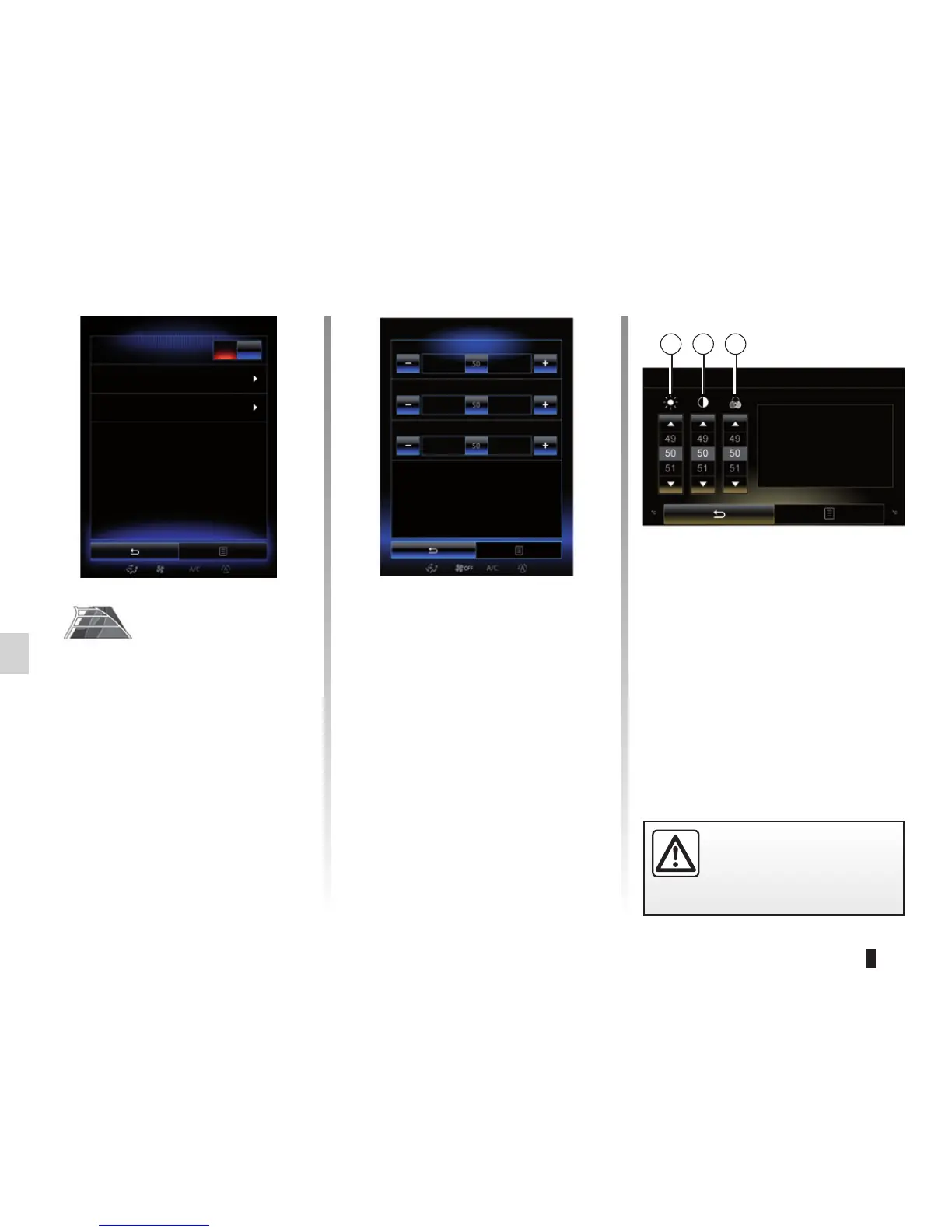
« Image setting »
From “Rear view camera” menu,
press “Image setting”, then adjust the
following settings:
– brightness 2;
– contrast 3;
– colour 4.
Adjust each setting by pressing “+”
or “–”.
Note: This setting is available when
the reversing camera is connected.
Image setting
2 3 4
For safety reasons, carry
out these operations when
the vehicle is stationary.
Colour
Contrast
Brightness
Image setting



 To Next Page