6.15
“Display record after
journey”
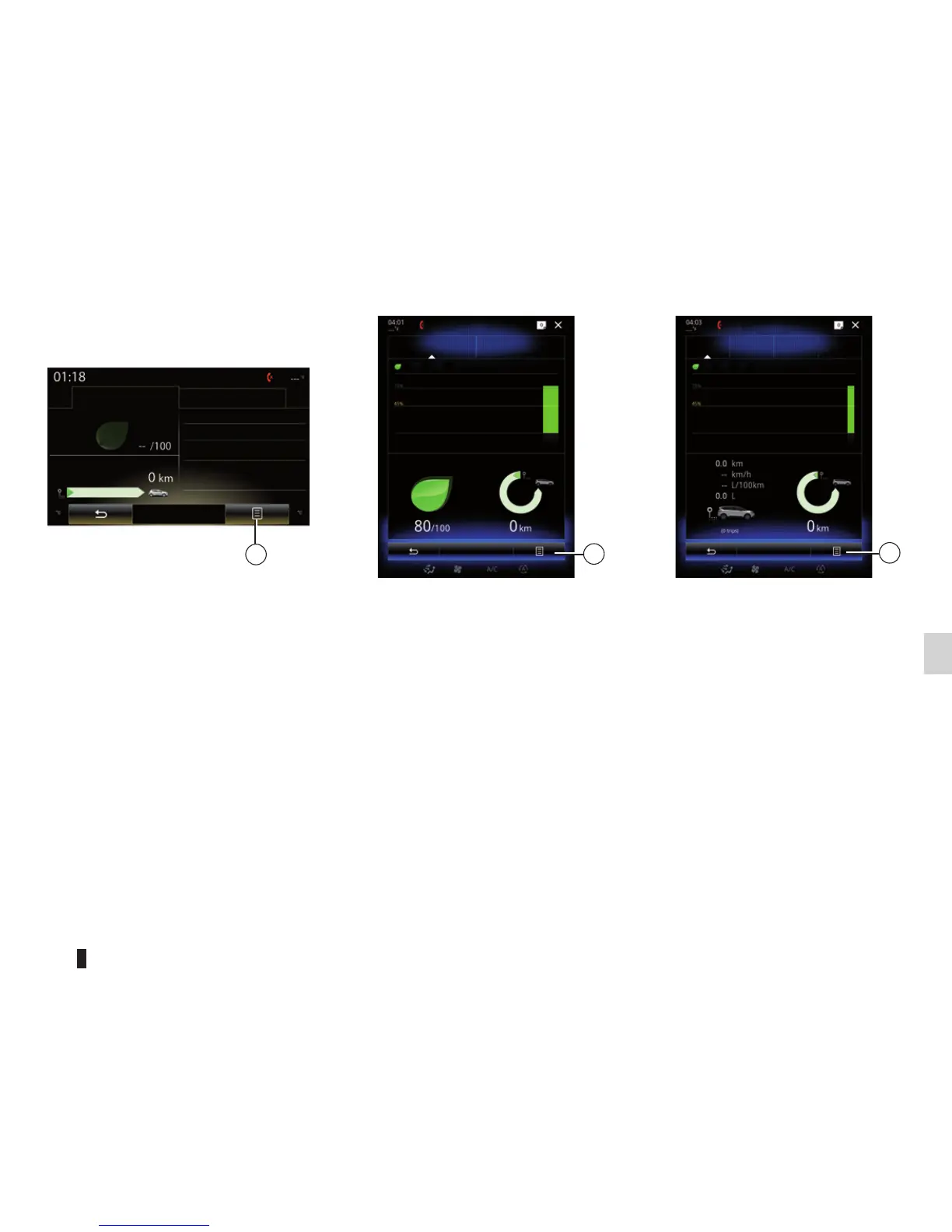
To display the record after the journey,
press 3 from the Driving eco2 menu,
then on “Display record after journey”.
Press “Hide record after journey” to
hide the journey record.
4
My favourite journeys
Home-work
Add trip
Distance without consumption
Weekends Holidays Personal
Score history
3
Driving eco2
Standard
Score history
Advanced
Eco-coaching
General score
Distance without consumption
« Add trip »
To save the current journey, press one
of the journey types from the “My fav-
ourite journeys” menu, then Add trip. A
message will ask you to confirm. The
type of journey is as followings:
– « Home-work » ;
– “Weekends”;
– “Holidays”;
– “Personal”.
To reset your data, press the jour-
ney type you wish to reset, then 4 and
“Delete all journeys”. A confirmation
message is displayed on the screen.
Press Yes to delete all journeys or No
to cancel.
Note: Only the selected journey data
type will be deleted.
DRIVING ECO2 (4/4)
Driving eco2
Standard Advanced
Eco-Coaching
Score history
Insufficient distance
travelled
Eco-coaching
3



 To Next Page