7.3
SYSTEM (2/6)
To adjust the level (brightness,
volume, etc.), press “+”, “–” or scroll
through the numbers.
Features linked to user profile
The following settings are stored in a
user profile:
– System language;
– Distance unit (when available);
– Home page configuration;
– Display Settings;
– Multi-sense settings;
– Ambiant lighting settings;
– Seat settings;
– Massage settings;
– multimedia sound settings;
– presets;
– Radio settings;
– Navigation settings;
– Navigation history;
– Navigation favorites;
– Paired phone;
– user settings (except rear wipers in
reverse gear);
– privacy settings.
1
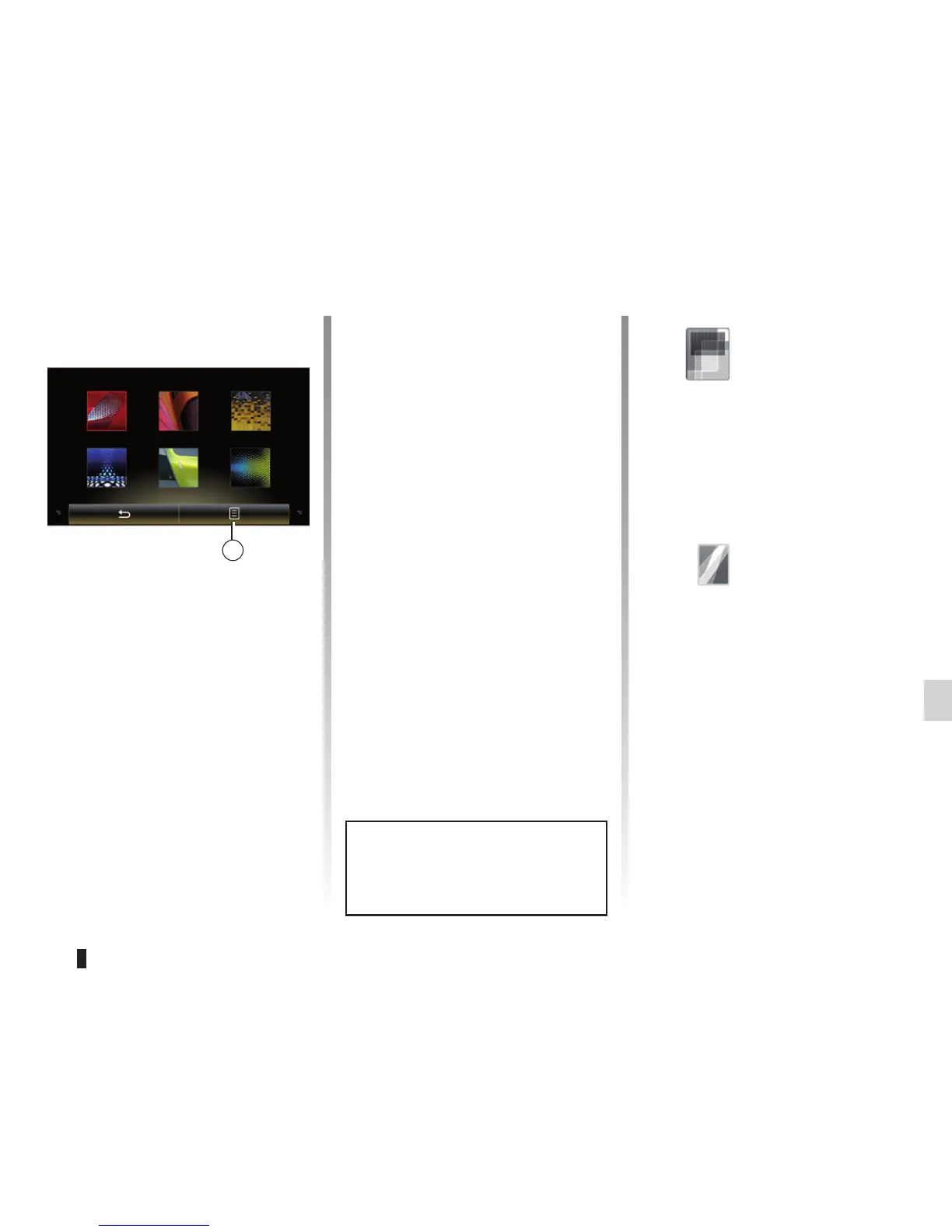
User profile
Duplicate and reset profile
Press 1, then “Duplicate” and select
the other profile to overwrite. The se-
lected profile is deleted and replaced
by the copied profile.
To reset the selected profile, press 1,
then “Reset current mode”.
Note: The user profile menu cannot
be used when driving.
« Display »
Depending in the vehicle, the
“Display” menu enables access to
the following information:
– « Central display » ;
– « Cockpit display » ;
– « Head-up display ».
« Central display »
Select “Negative skin” or “Positive
skin” to change the appearance of
the touchscreen display.
Press “+” or “–” to adjust the
screen brightness from day/night.
Note: “Dimming day mode” is dis-
abled at night and “Dimming night
mode” is disabled in daytime.
Name1 Name2 Name3
Name4 Name5 Name6



 To Next Page