2.17
ROUTE (4/4)
“Route”
“Type of route”
This function enables you to change
the current route calculation method
and to recalculate. By selecting a
route type, you also define the default
route calculation method for the fol-
lowing route calculations.
To fund out about the various meth-
ods of calculating a route, please
refer to the section on “Map”.
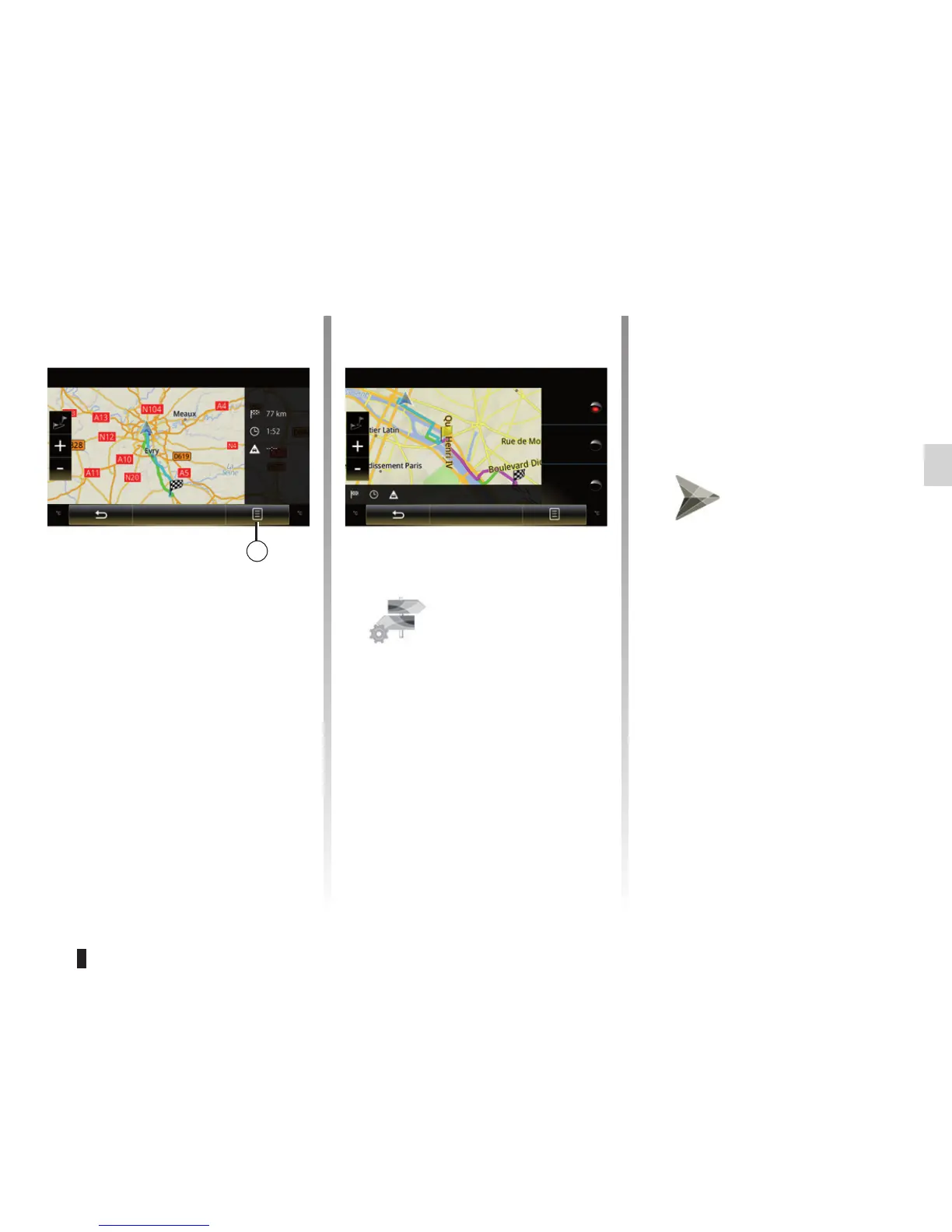
Overview
Fastest
Shortest
Go
Pop-up menu 5
Press 5 to access the following func-
tions:
– “Route Alternatives” (depending on
the vehicle);
– “Itinerary”;
– “Route”;
– “Add route to address book”.
For further information, please refer to
the section on “Entering a destination”.
Overview
Go
5
Route preferences
The route preferences are restric-
tions which affect the route calcula-
tion. Please refer to the section on
“Map”.
“Simulate route”
This function enables the route you
will be taking to be simulated up to
destination. Press “Control” to dis-
play the control bar.
Shortest
Most economical



 To Next Page