2.22
NAVIGATION SETTINGS (5/5)
For safety reasons, carry
out these operations when
the vehicle is stationary.
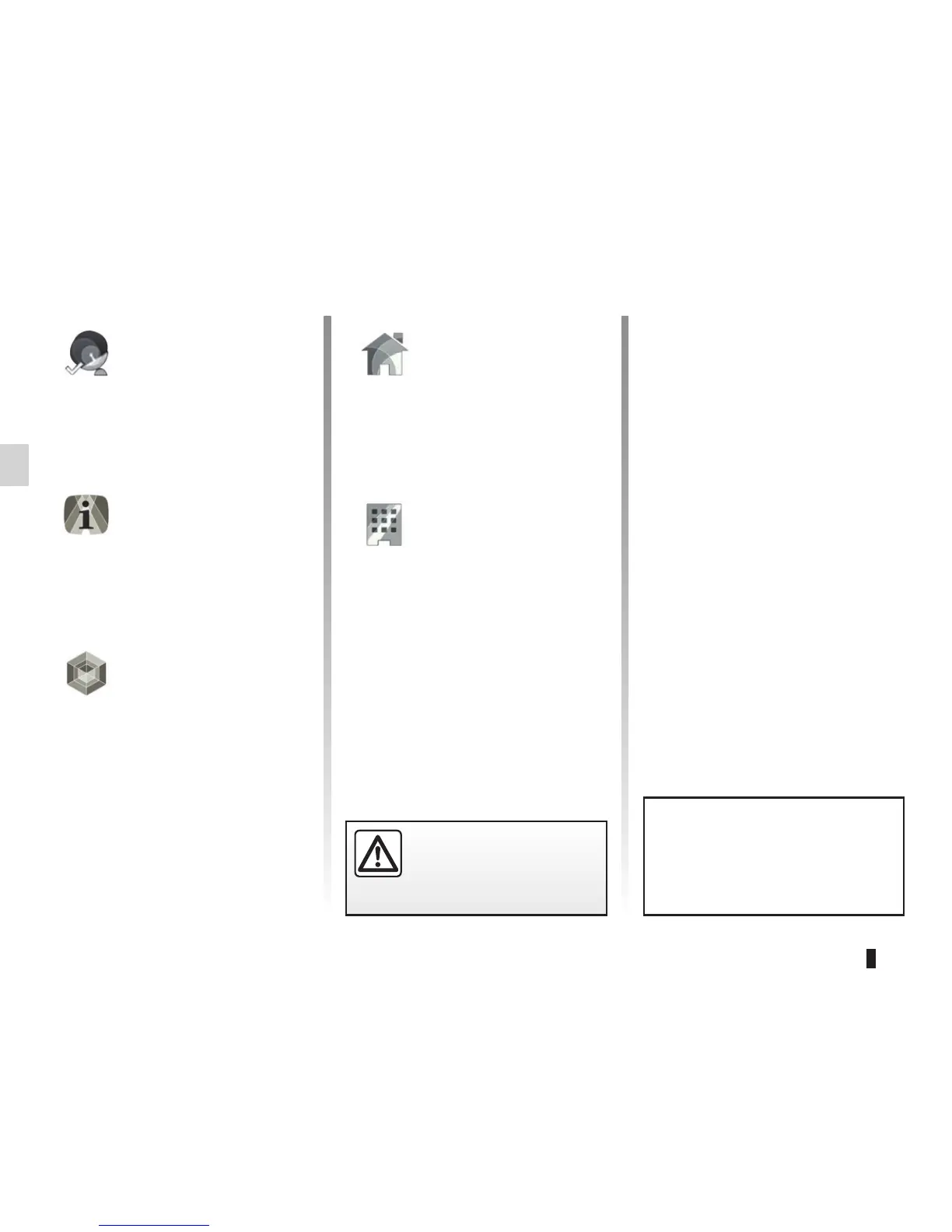
“GPS status”
This menu shows GPS reception de-
tails.
“About”
This menu shows navigation software
information.
“Content”
This menu shows map and other navi-
gation content information used by the
navigation system.
“Edit home”
This menu defines your home address
using a GPS position, coordinates, your
address book, etc.
“Edit work”
This menu defines the address of your
workplace using a GPS position, coor-
dinates, your address book, etc.
To reset your data and go back
to the default settings, press the
pop-up menu button, then “Reset”.



 To Next Page