3.15
Pop-up menu 7
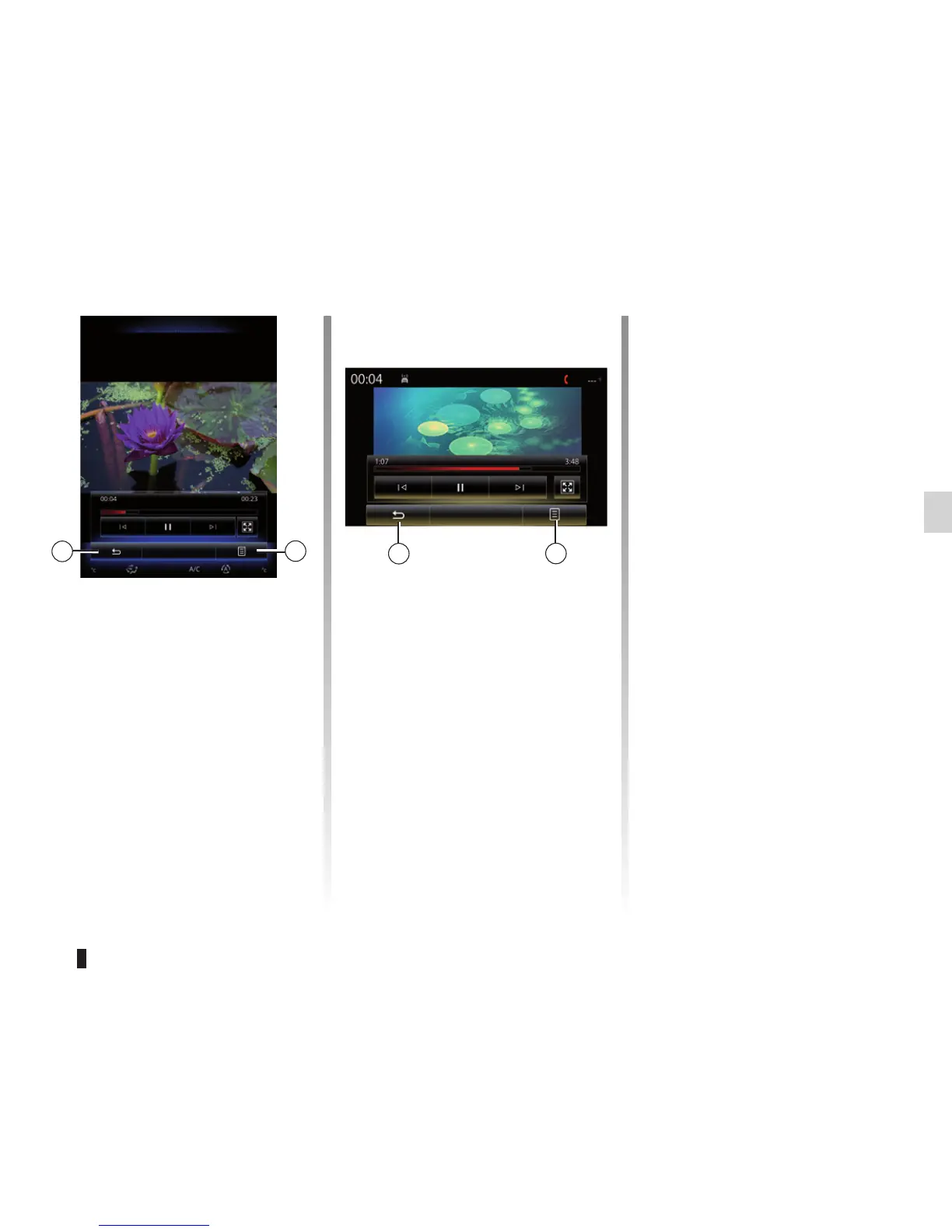
During video playback, press 7 to:
– select subtitle language, if available;
– select audio language, if available;
– get detail video information (title,
type, date, etc.);
– Accessing settings
VIDEO (2/2)
“Brightness”
During video playback, press
“Brightness” to control brightness. A
control bar will appear for you to per-
form the adjustment. Touch the screen
outside this bar to make it disappear
and return to the video playback.
“Settings”
From the “Settings” menu, you can
choose the type of display: normal (ad-
justed) or full screen. Press 6 to confirm
and go to the previous screen.
Brightness
Brightness
7
7
6
6
Landscapes



 To Next Page