5.7
R-LINK STORE (4/4)
Managing personal data
The system stores e-mail addresses
and card details in the memory.
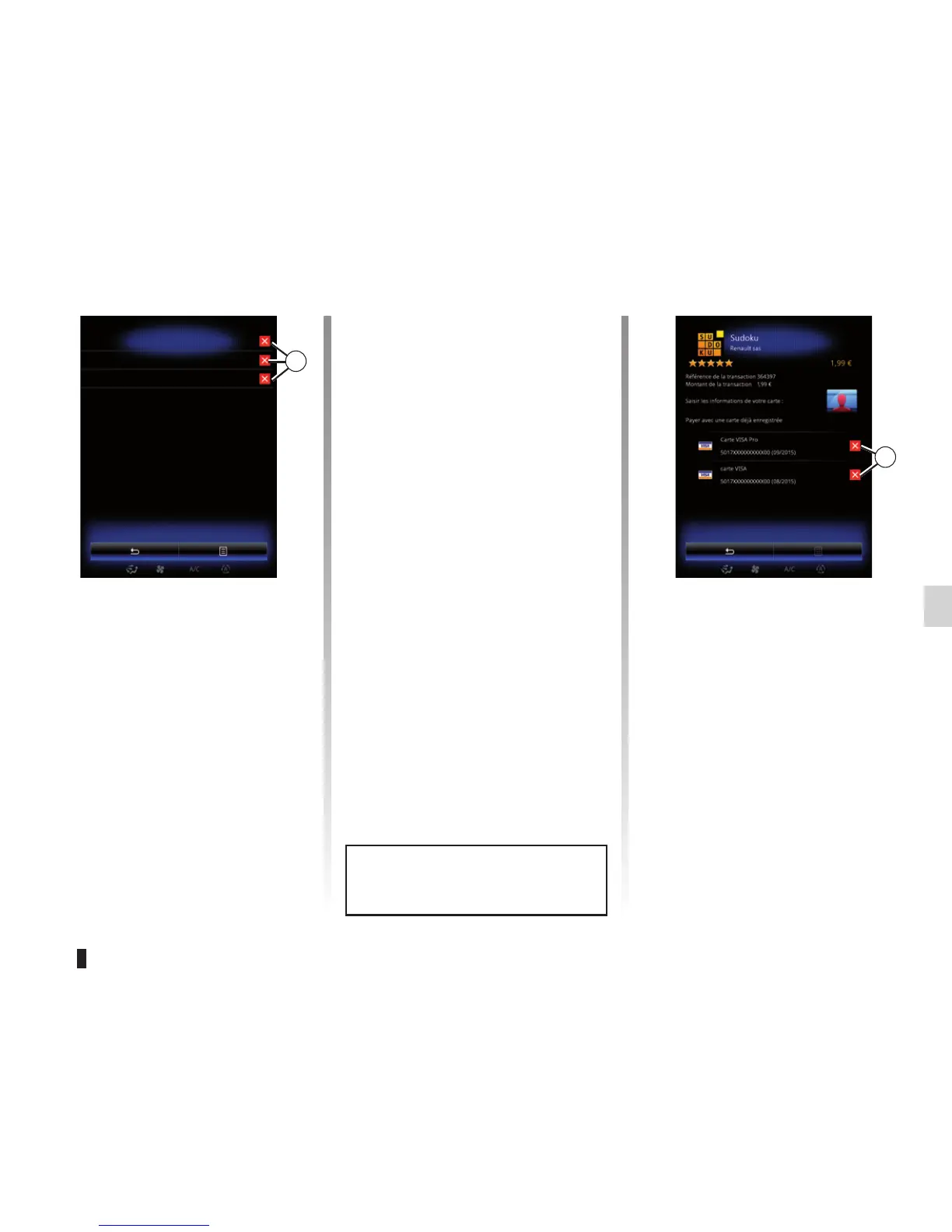
Deleting an e-mail address
Enter an e-mail address in the R-Link
Store menu, press the button to the
right of “E-mail”. The list of e-mail ad-
dresses saved in the system is dis-
played.
Press 4 opposite the address you wish
to delete. The address is immediately
deleted.
Deleting credit or debit card data
When you make a purchase with a
credit or debit card, press “Pay with a
card already saved in the memory” on
the purchase confirmation form. The
list of credit or debit cards saved in the
system is displayed.
Press 5 to delete the bank data you
wish to remove. The credit or debit card
data is immediately deleted.
Note: the vehicle must be connected to
a mobile network to have the card data
removed.
Resetting the system
To reset all the system settings and/or
delete all personal data, select “System”
from main menu, then “General reset”
on the pop-up menu and follow the on-
screen instructions.
Data sharing
You can authorise or reject data sharing
from the moment the system is started.
Select “App settings” from the Apps
menu, then Privacy. You can activate/
deactivate data sharing in this menu.
For more information, please refer to
the information on “Privacy” in the sec-
tion “App settings”.
E-mail
martin.dupond@email.com
anne.durand@email.com
mark@email.com
4
5
Purchase
The availability of the services de-
scribed varies depending on the
country.



 To Next Page