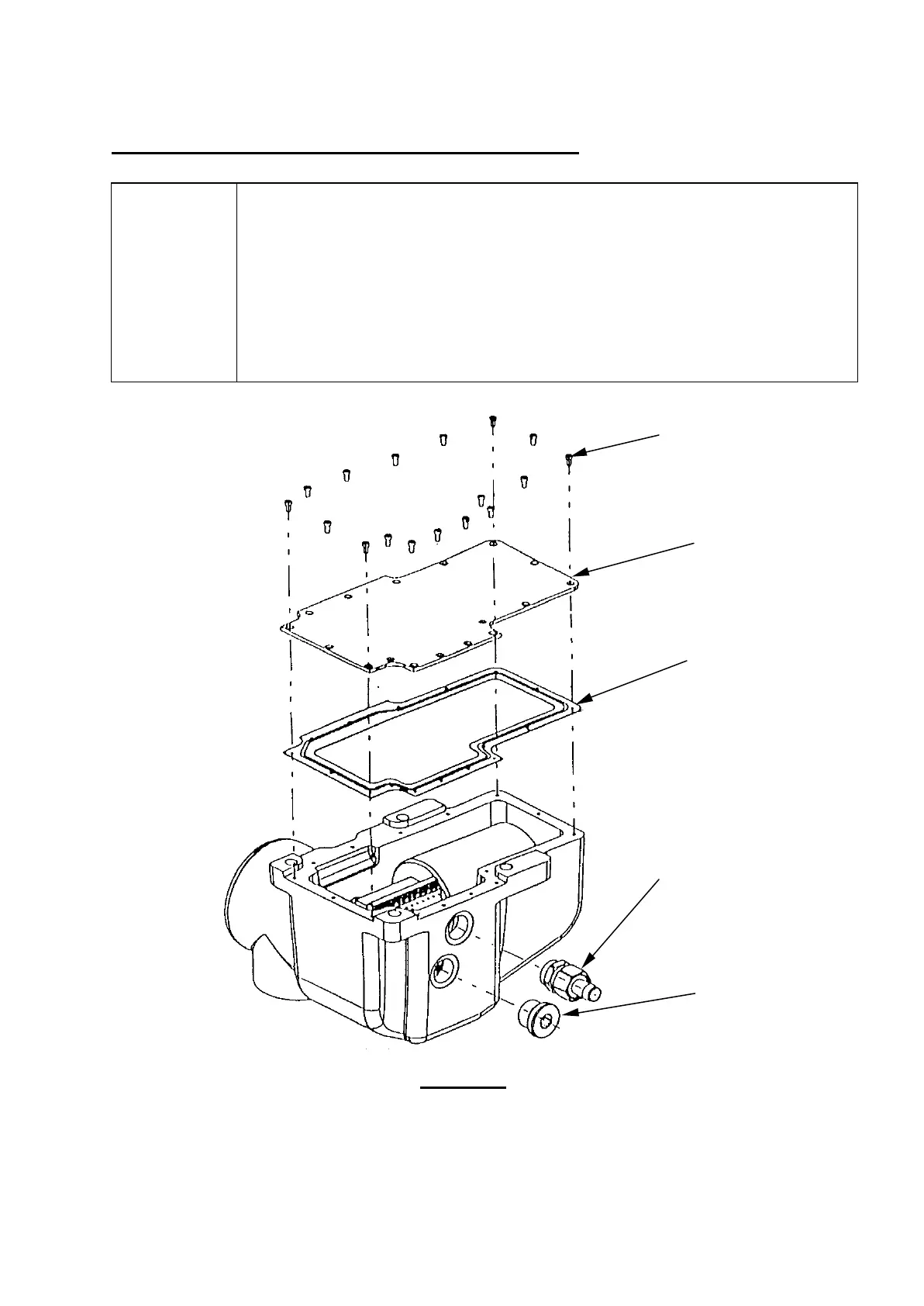
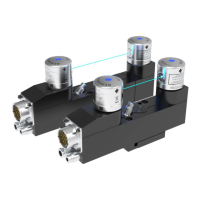
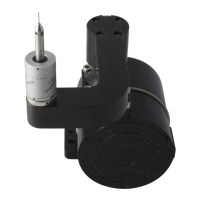
3.4 COVER PLATE, GASKET AND CONTROL PCB.
Strip
Remove all screws from cover plate.
Inspect gasket for any damage, and any evidence of coolant ingress.
Before removal, ensure the Control PCB is securely fixed and that the
main cable wires are correctly connected as per section 4.1 of
Setting Up. Remove by loosening the single M3 socket screw in the
keyhole slot in the middle of the PCB and withdrawing the PCB from the
connector and over the screw.
Figure 3.4
(P-SC02-0306)
17 off
Base Cover Plate
(M-2116-0084)
(side exit
option only)
Blanking Plug
9



 To Next Page