1
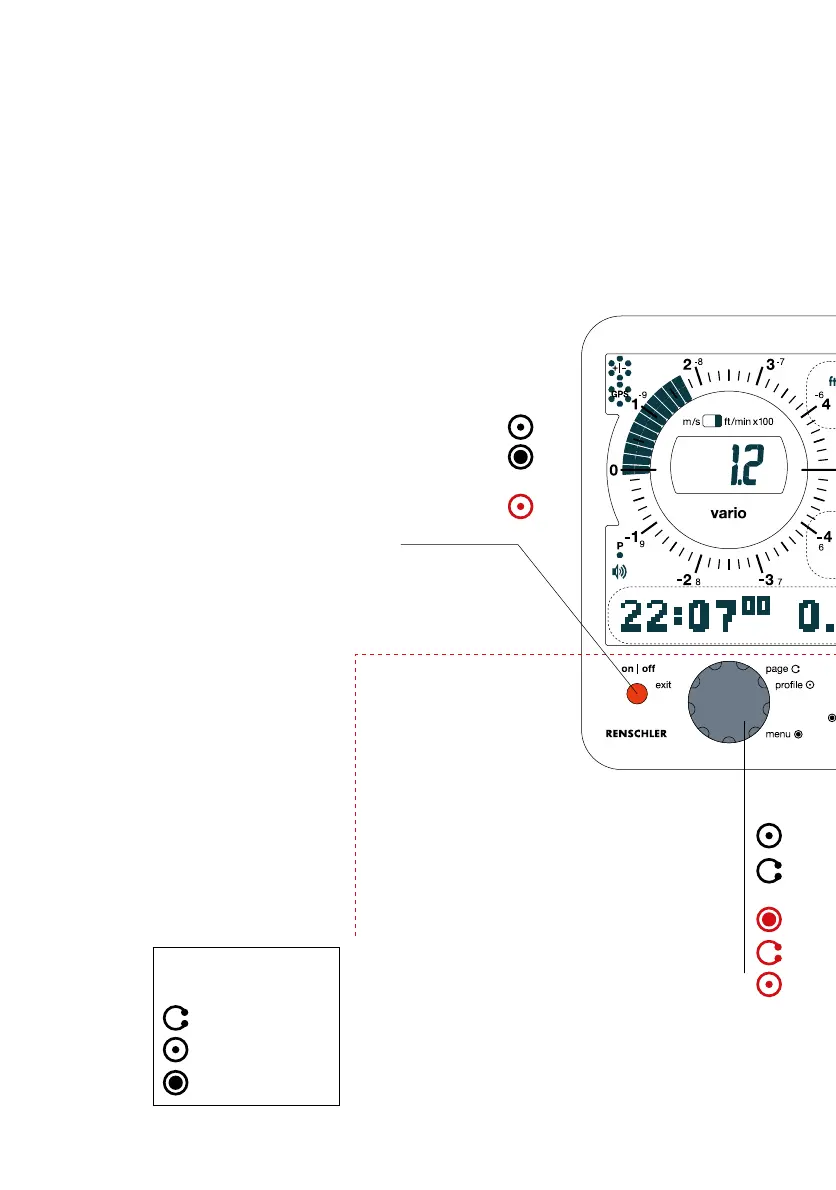
Explanation of
symbols:
1 CoMo AV Rapid Access
1.1 The CoMo AV Keyboard
Adjustment Group
Adjustments can be
performed by the keys
in this section. They will
be mainly used before
take-off or after
landing.
Rotary-Button
Push the Button to shift into next Flight
profile (if active). Rotation turns pages
forward or backward.
A long push on the button opens the menu
of the instrument. Rotation selects a
function, which is confirmed by a brief
push. Within the menu any adjustment can
be executed. The page-display will provide
additional information.
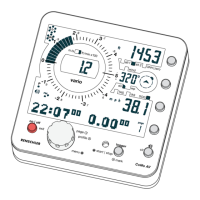
For easy operation the Keys (Push-
Buttons) are arranged in two groups:
The Function Group is on the right hand
side of the instrument and the
Adjustment Group is along the bottom.
The on
|
off-Button
in contrast to most other flight instruments
the CoMo is equipped with a real on
|
off-
Button. A short push will turn the CoMo on. A
long push will turn it off again.
In adjustment mode this button assumes the
"exit" function. False inputs may be reset by a
short push. Push repeatedly to leave the menu.
turn
brief push
long push


 To Next Page