2
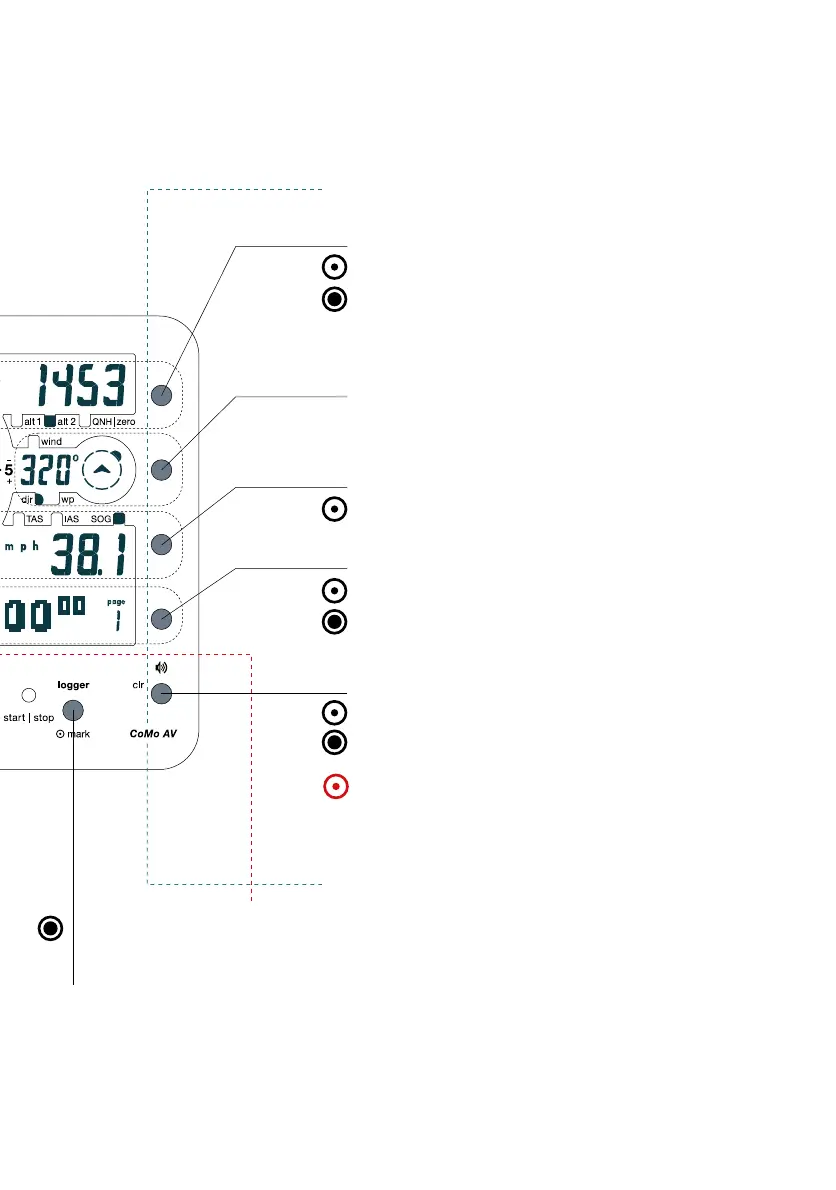
Logger-Function-Button
This button allows flight data to be recorded. A long push
will start/stop the recording.
In the standard version your personal logbook is activated
(date, max/min values), and in the OLC version the "OLC-
Logger" is activated. (A change of more than 15 m in altitude
will automatically start the recording).
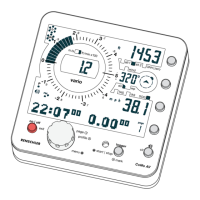
Functional Group
The keys in this section offer direct
access in flight.
All Function buttons are located next to
the corresponding display, making
incorrect operation most unlikely.
Altitude-Function-Button
A brief push shifts to the next value
(e.g. from "alt 1" to "alt 2").
Make a long push to enter the
adjustment menu.
Page-Function-Button
Switches between all page
displays.
A long push opens the
corresponding menu.
Speed-Function-Button
Switches between different speed-
indications, according to connected sensors.
Track-Function-Button
(no function yet)
Acoustic-Function-Button
Acoustic can be set to "off", "soft" or
"loud".
A long push opens the acoustic menu for
further adjustment.
CLR-Button
In adjustment mode the Acoustic-Function-
Button converts into a Clear-Button, by
which a value can be set to "0" directly (e.g.
altitude of landing ground).


 To Next Page