Routine Use
Using
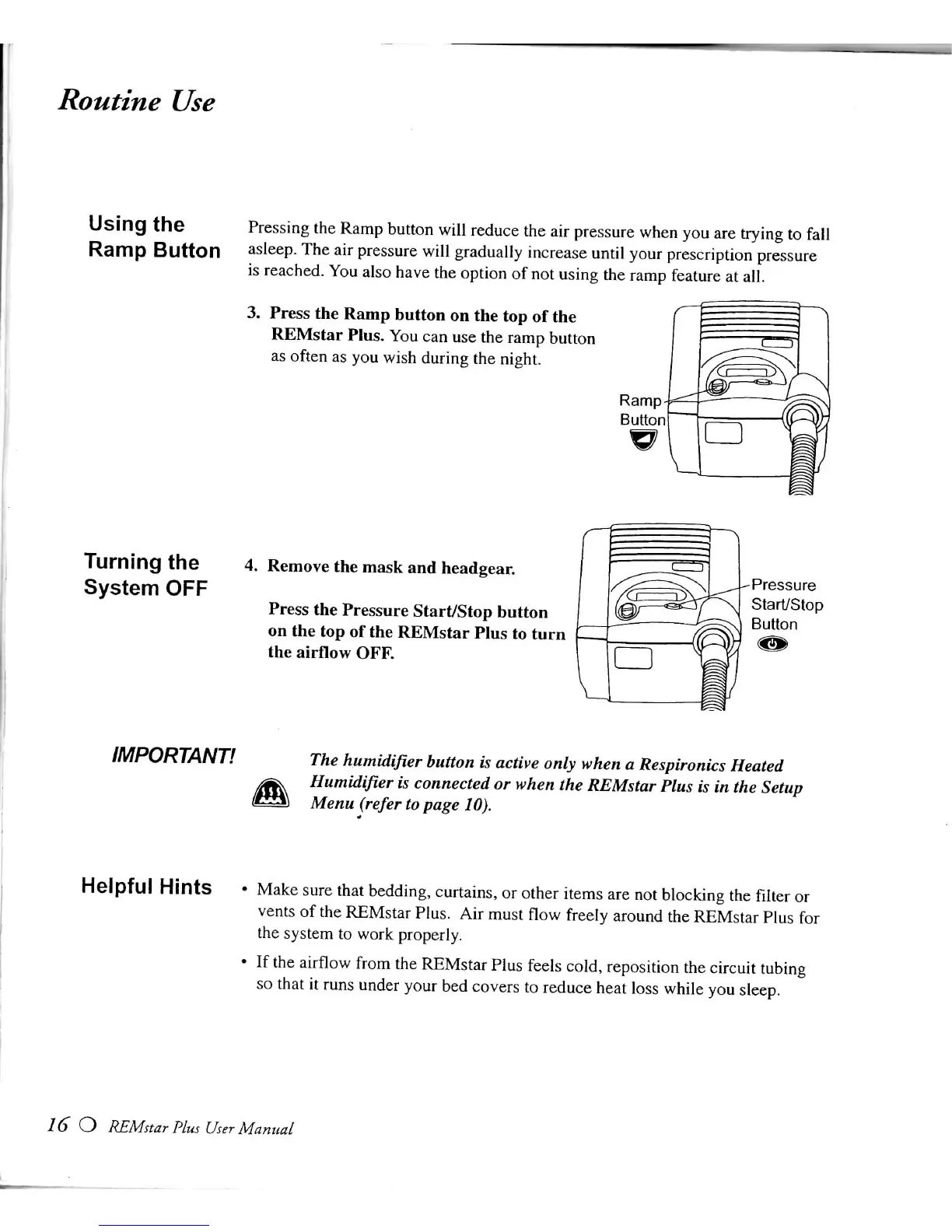
the Pressing the Ramp button
will
reduce the air pressure when you are trying to
fall
Ramp Button asleep. The air pressure
will
gradually increase
until
your prescription pressure
is
reached.
You
also have the option of not using the ramp feature at
all.
3.
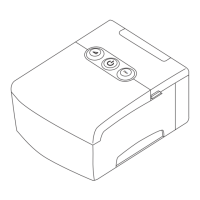
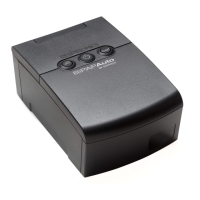
Press the Ramp button on the top of the
REMstar
Plus.
You
can use the ramp button
as often as you
wish
during the night.
Turning the
System
OFF
4. Remove the mask and headgear.
Press
the Pressure Start/Stop button
on the top of the
REMstar
Plus to turn
the airflow
OFF.
Pressure
Start/Stop
Button
IMPORTANT!
The
humidifier
button
is
active
only
when a Respironics Heated
Humidifier is connected or when the
REMstar
Plus is in the Setup
Menu
(refer to
page
10).
Helpful Hints • Make sure
that
bedding, curtains, or other items are not blocking the
filter
or
vents of the
REMstar
Plus.
Air must
flow
freely around the
REMstar
Plus for
the system to work properly.
•
If the
airflow
from the
REMstar
Plus feels cold, reposition the
circuit
tubing
so
that
it runs under your bed covers to reduce
heat
loss
while
you sleep.
16 O
REMstar
Plus
User
Manual







 To Next Page