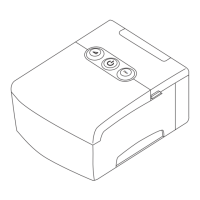
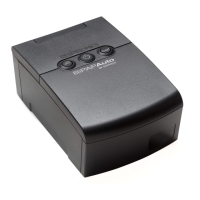
System
Features
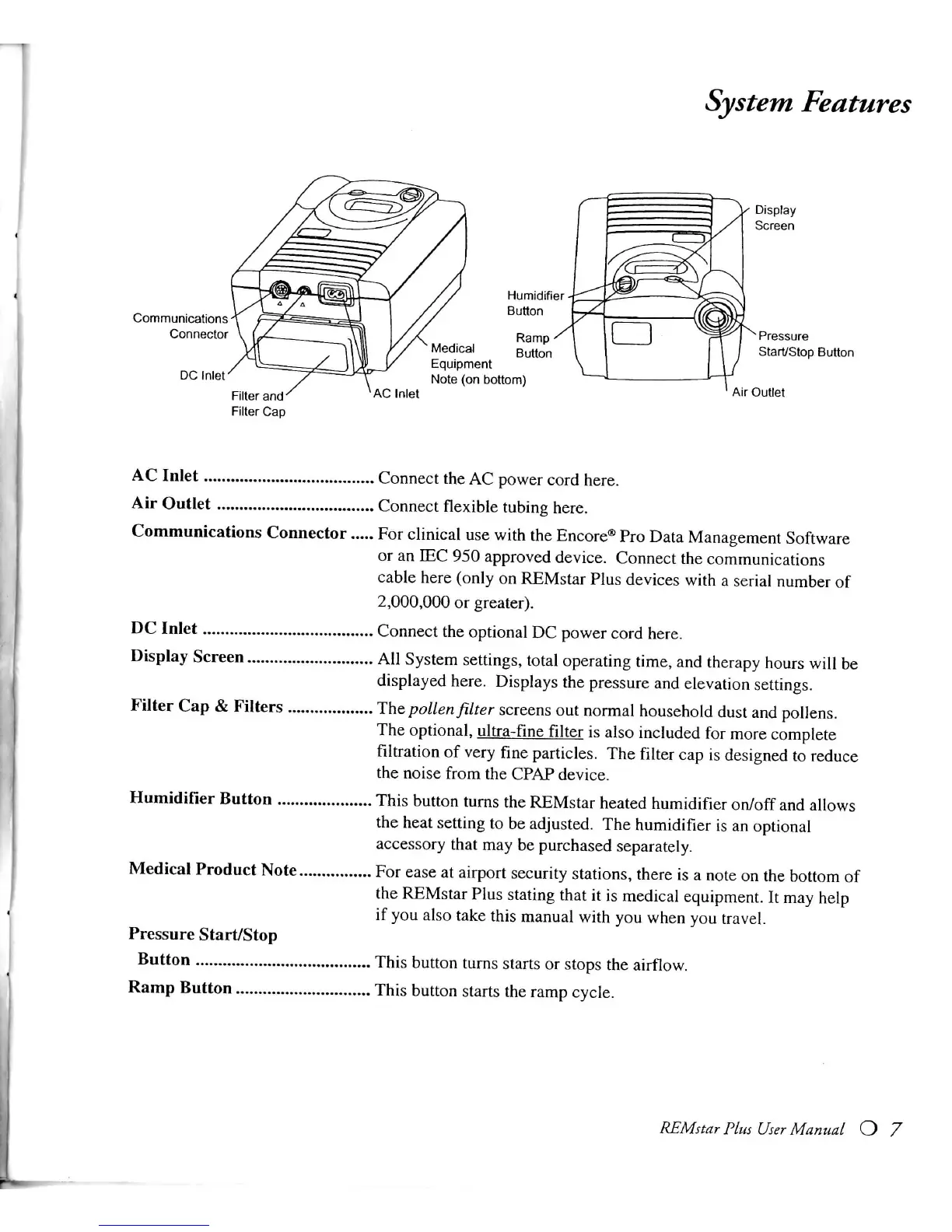
AC
Inlet Connect the
AC
power cord here.
Air
Outlet Connect
flexible
tubing here.
Communications
Connector For
clinical
use
with
the
Encore®
Pro
Data
Management Software
or an
lEC
950 approved
device.
Connect the communications
cable
here
(only
on
REMstar
Plus
devices
with
a
serial
number of
2,000,000
or greater).
DC
Inlet Connect the optional
DC
power cord here.
Display
Screen
All
System
settings, total operating time, and therapy hours
will
be
displayed
here.
Displays
the pressure and elevation settings.
Filter
Cap
&
Filters
The
pollen
filter
screens out normal household dust and pollens.
The
optional, ultra-fine
filter
is also included for more complete
filtration
of
very
fine
particles. The
filter
cap is designed to reduce
the noise
from
the
CPAP
device.
Humidifier
Button
This
button turns the
REMstar
heated humidifier
on/off
and
allows
the heat setting to be adjusted. The humidifier is an optional
accessory
that may be purchased separately.
Medical
Product
Note
For ease at airport security stations, there is a
note
on the bottom of
the
REMstar
Plus
stating that it is medical equipment. It may help
if
you also take this manual
with
you when you
travel.
Pressure
Start/Stop
Button
This
button turns starts or stops the
airflow.
Ramp
Button
This
button starts the ramp
cycle.
REMstar
Plus
User
Manual
O 7







 To Next Page