Traveling
with
the
System
Packing
the System
When
traveling, the carrying case is for carry-on
luggage
only. The carrying case
will
not
protect
the system if it is put through checked
baggage.
Security Stations For convenience at security stations,
there
is a
note
on the
bottom
of the
REMstar
Plus stating
that
it is medical equipment. It may be helpful to bring this
manual along
with
you to help security personnel understand the
REMstar
Plus.
Checking the
Power
Cord
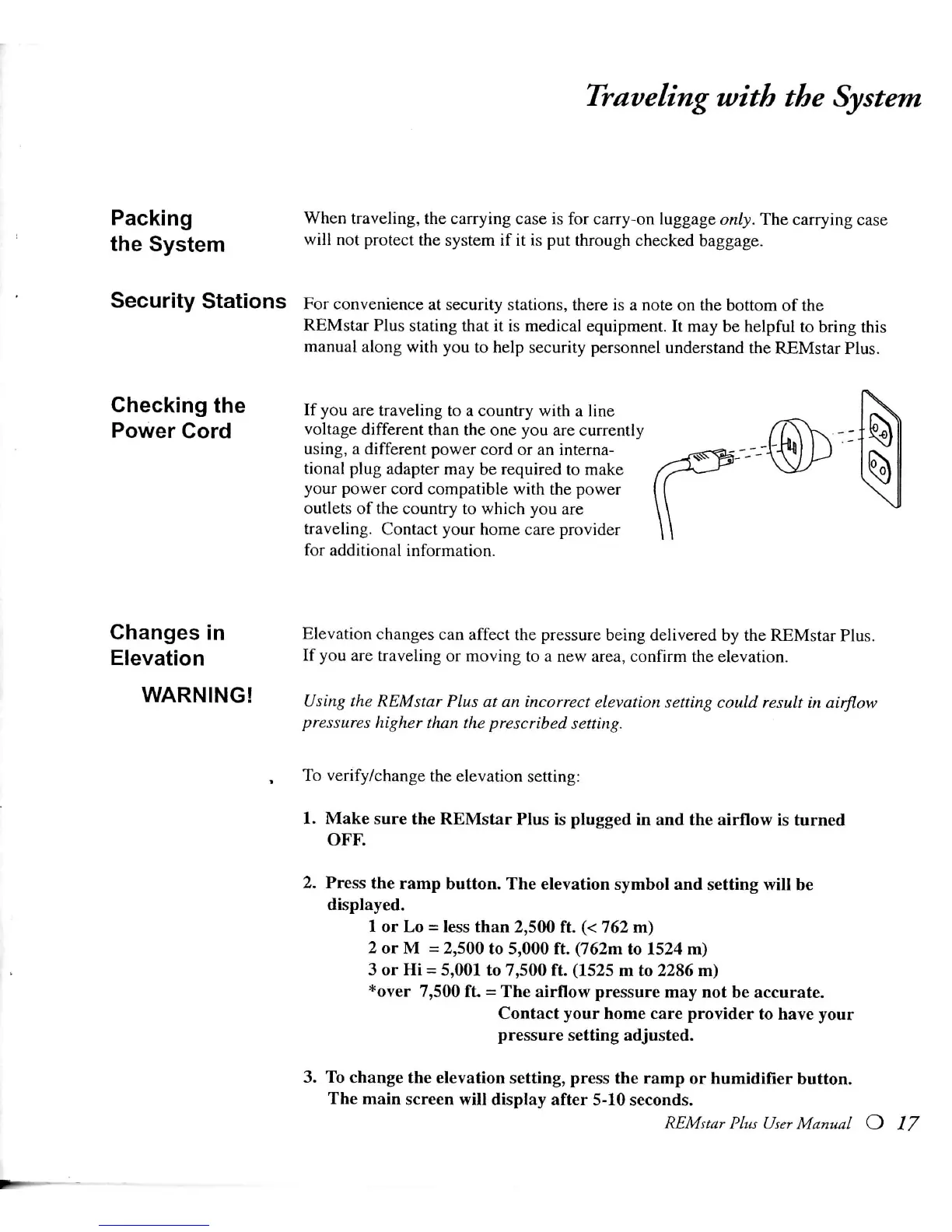
If
you are traveling to a country
with
a line
voltage different than the one you are currently
using,
a different power cord or an interna-
tional
plug
adapter
may be required to make
your power cord compatible
with
the power
outlets of the country to
which
you are
traveling.
Contact your
home
care provider
for
additional information.
Changes in
Elevation
WARNING!
Elevation
changes can affect the pressure being delivered by the
REMstar
Plus.
If
you are traveling or moving to a new area, confirm the elevation.
Using
the
REMstar
Plus
at an
incorrect
elevation setting
could
result in airflow
pressures
higher than the
prescribed
setting.
To
verify/change the elevation setting:
1.
Make sure the
REMstar
Plus is
plugged
in and the airflow is turned
OFF.
2.
Press the ramp button. The elevation symbol and
setting
will
be
displayed.
1
or Lo =
less
than
2,500
ft. (< 762 m)
2 or M =
2,500
to
5,000
ft. (762m to 1524 m)
3
or Hi - 5,001 to
7,500
ft. (1525 m to
2286
m)
*over
7,500
ft = The airflow pressure may not be accurate.
Contact
your
home
care provider to have your
pressure
setting
adjusted.
3.
To change the elevation setting, press the ramp or humidifier button.
The
main screen
will
display after 5-10 seconds.
REMstar
Plus
User
Manual O 17







 To Next Page