Error Messages and Information Notes
42
10 Error Messages and Information Notes
10.1 Error Messages
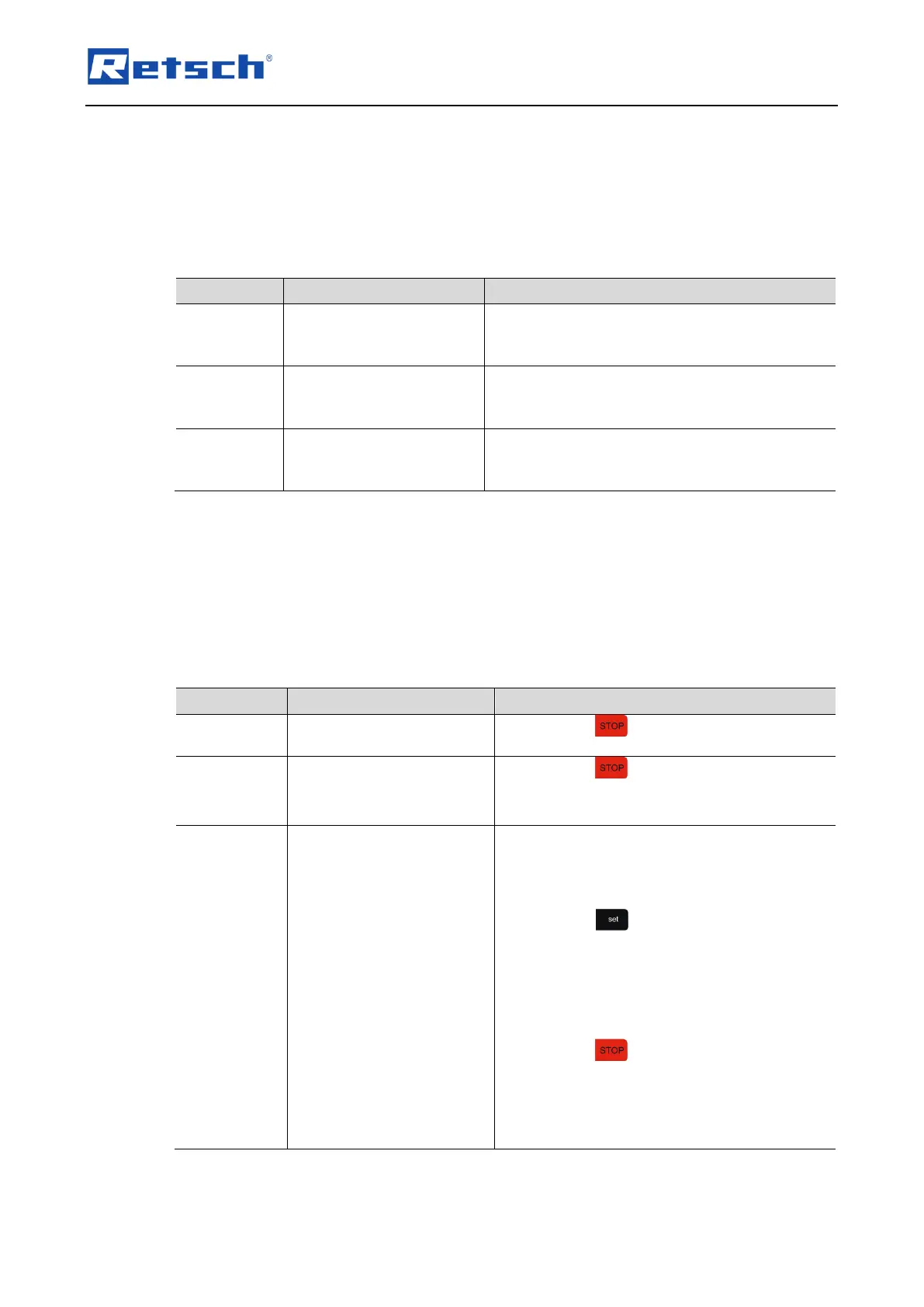
Error messages inform the user about detected device or programme errors. In the event of an
error message, a fault has occurred, in which the operation of the device or the programme is
automatically interrupted. Such faults must be resolved before next startup.
Switch off the main switch and wait for 30 s
before switching on again.
If the error persists, contact service.
Failure frequency
converter
Switch off the main switch and wait for 30 s
before switching on again.
If the error persists, contact service.
Failure acceleration
sensor
Switch off the main switch and wait for 30 s
before switching on again.
If the error persists, contact service.
10.2 Information Notes
Notices inform the user on specific device or programme processes. The operation of the
device or programme may be interrupted briefly, but there is no fault. The information notice
must be acknowledged by the user to continue the process. Information notices provide
additional information for the user as an aid, but do not represent any device or programme
errors.
Display of the complete
runtime in hhh
Press the button to exit the display.
Press the button to exit the display.
Contact the service to arrange an
appointment for the calibration.
The device was not connected to the mains or
off for more than 30 days, whereby the battery
is discharged and the current date has been
deleted.
Press the button. The time display
shows the month "01". The amplitude
display shows the year "-00".
Use the respective "+" and "-" buttons to set
the current month (e.g. "04" for April) and
the current year (e.g. "-16" for 2016).
Press the button to save the current
date and to exit the display.
Leave the device connected to the mains
and powered on for at least two hours, in
order to fully charge the battery.



 To Next Page