Packaging, Transport and Installation
16
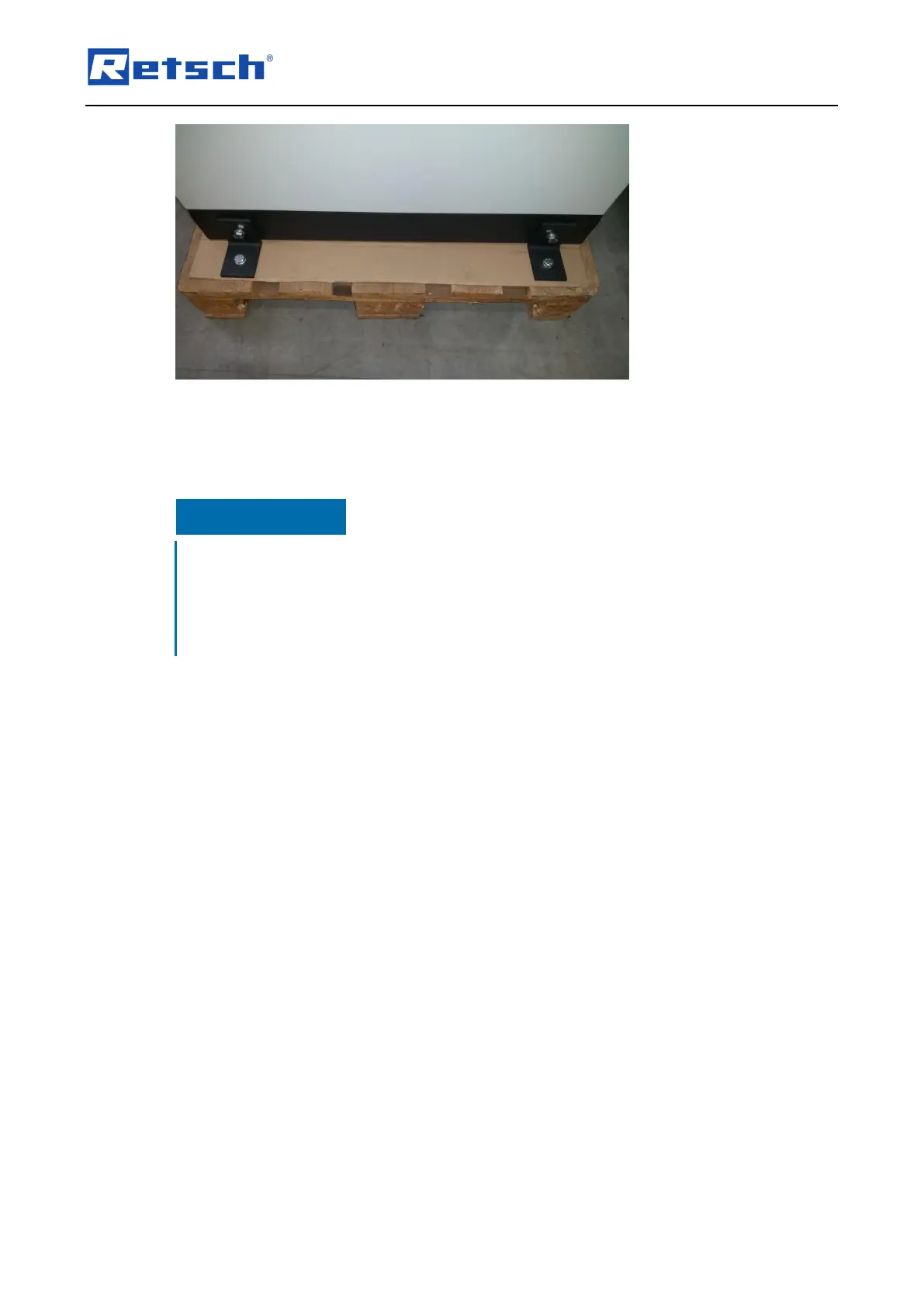
Fig. 2: Removing the transport lock from the transport pallet
The device is secured to the transport pallet by means of four nuts.
• Use an SW 17 spanner to unscrew the four nuts.
Transportation lock
Transport without transportation lock, or operation with transportation lock
− Mechanical components may be damaged.
• Only transport the device with mounted transportation lock.
• Do not operate the device with built-in transportation lock.
3.11 Installing the device
• Place the device on a firm surface.
Please refer to the “Technical data” chapter for more parameters.
The device must be locked prior to commissioning.



 To Next Page