EasyManua.ls Logo

Retsch RS 300 - Error Messages

Default Icon
49 pages
Print Icon
To Next Page IconTo Next Page
To Previous Page IconTo Previous Page
Loading...
Operating the Device
37
By pressing the F4 button you confirm all settings and go back to the options menu where you
can start the grinding process by pressing button F1 “Start”.
6.13 Error messages
Error messages appear on the control panel of the machine if it is not possible for the machine
to start.
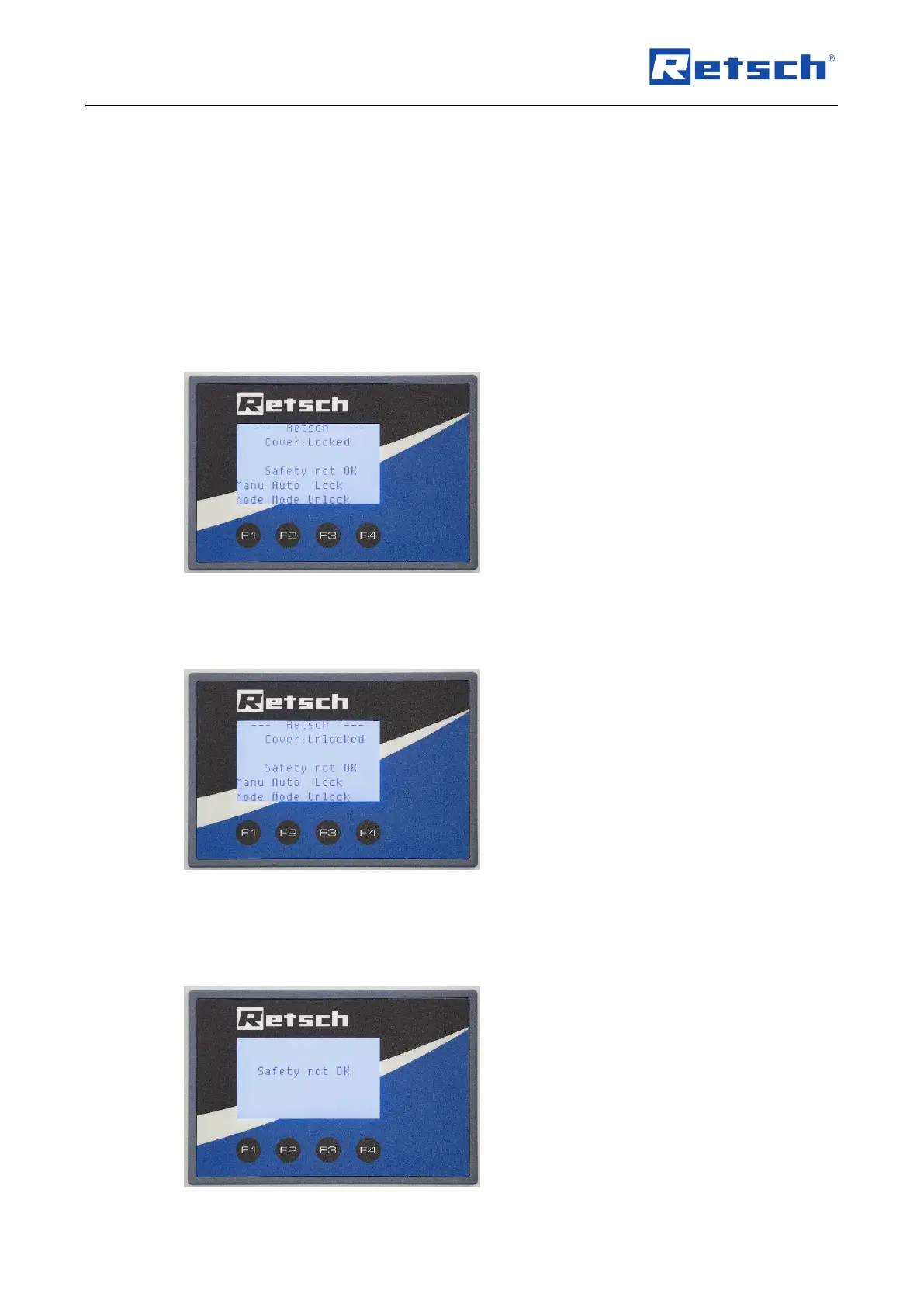
The following error message appears if the emergency stop has been activated or it is
necessary to open and close the cover again:
Fig. 29: Emergency stop activated
The following error message appears if the lock is open:
Fig. 30: Lock open
The following error message appears in manual or automatic mode if it is not possible for the
machine to start for the above reasons:

Table of Contents

Related product manuals