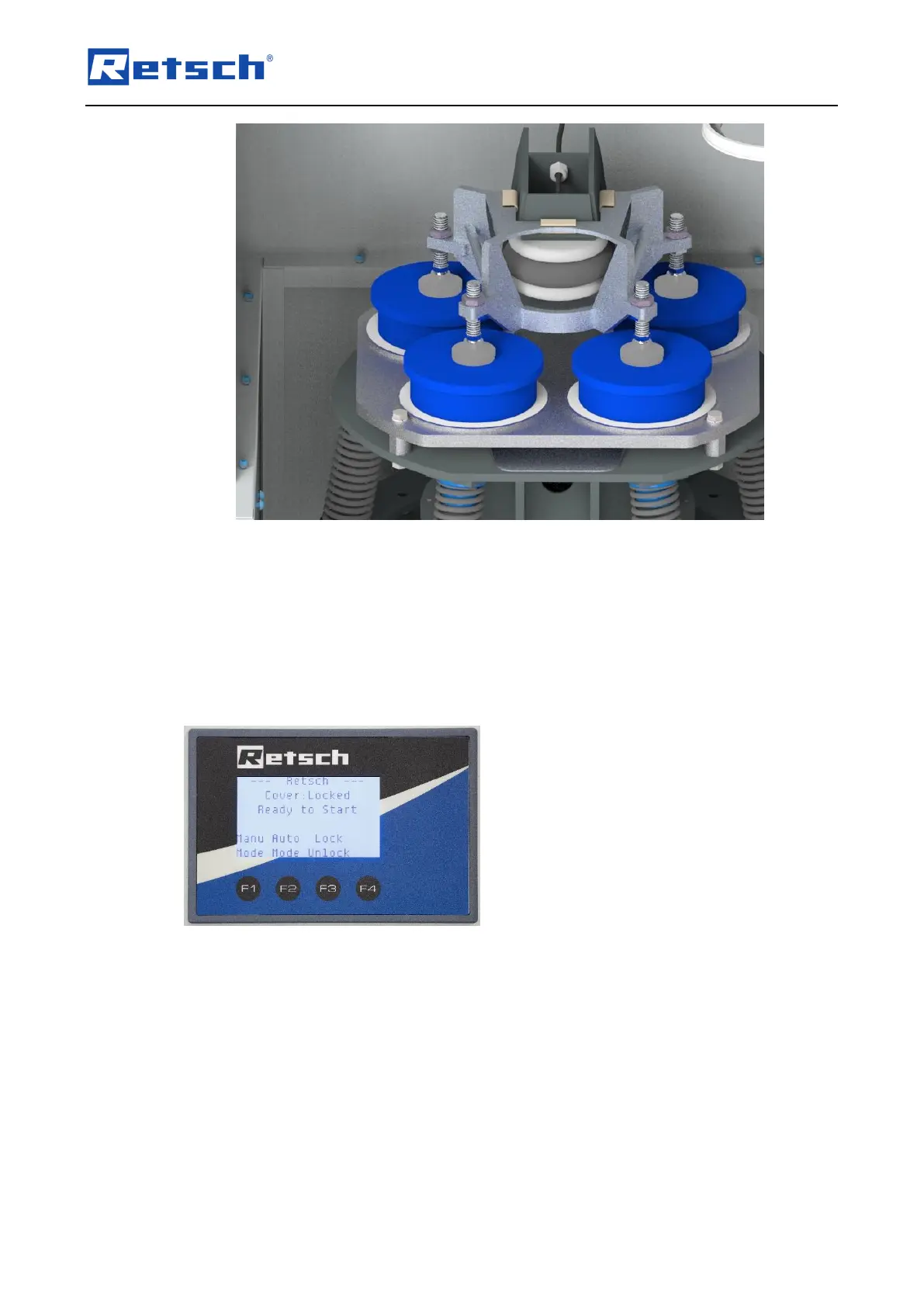
7. Position the top pressure plate, ensuring that the middle conical recess is placed centrally
beneath the bellow and that the four feet rest centrally on the grinding jars!
6.12 Display – operating the device
Start screen – press the desired function key.
Select one of the following:
F1: Manual Mode (grinding is started and stopped manually by the user. The grinding time can
be read off on the display)
F2: Automatic Mode (grinding is started manually for a previously programmed grinding time
and then stopped automatically)
F3: Lock / Unlock
Manual Mode
Select F1 to go to the manual mode settings.
The screen then displays the following functions:



 To Next Page