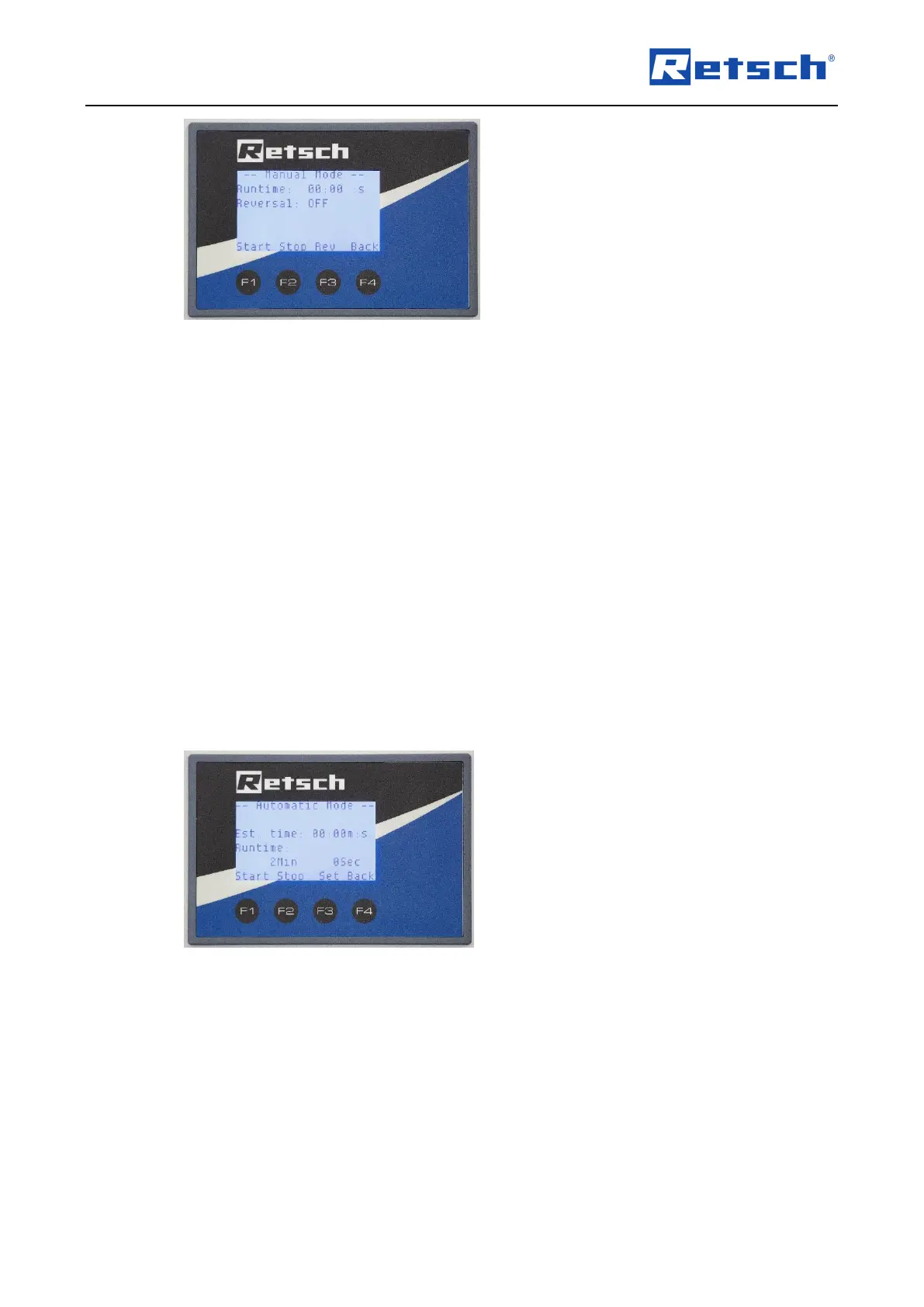
Runtime (duration of the grinding process)
Reversal (reversal of the direction of rotation)
F1: Start
F2: Stop
F3: Reversal ON / Off
F4: Back
The reversal mode is activated (ON) and deactivated (OFF) by pressing button F3.
Pressing button F1 starts the grinding process and the time display shows the current grinding
time. The grinding process is only stopped after pressing button F2.
Button F4 takes you back to the start options.
Automatic Mode
Select F2 in the start screen to go to the settings for automatic mode.
The screen then displays the following functions:



 To Next Page