15
Video Playback
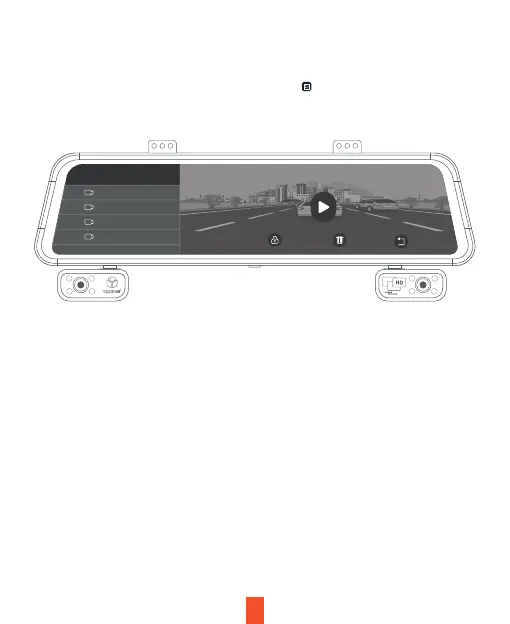
To playback a video on the device, press the icon on the home screen
and select a desired file to play.
To playback a video on the computer, either use an SD card adapter or
connect the device to the computer directly using the included USB cable.
To playback a video using an SD card adapter, remove the memory card
and insert it into an SD card adapter. Place the adapter in the computer.
The videos are stored at: \Video. Select the video to playback.
Front
1/9
20240413_001325F
20240413_001221F
20240413_001107F
20240413_000015F



 To Next Page