8
Step 2. Formatting the Memory Card
1. Tap the icon to stop recording
2. Tap the icon to access settings
3. Tap General Settings
4. Toggle down to Format
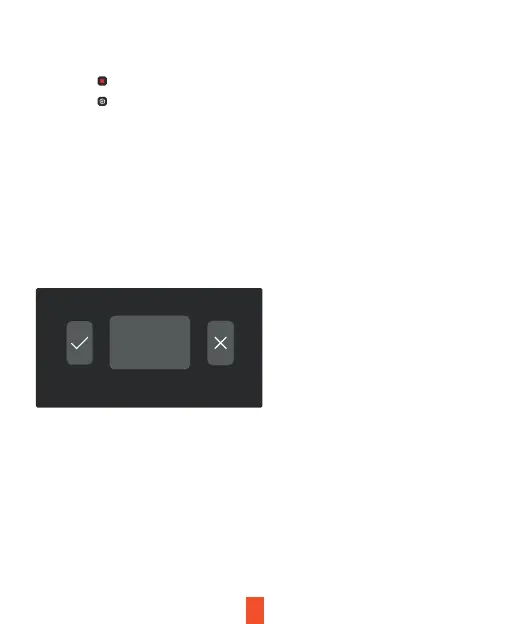
5. Tap OK to format the card
Please format the card on the dash cam before using it. Before formatting a
memory card, always remember to make backup copies of all important
data stored on the device. The manufacturer’s warranty does not cover loss
of data resulting from user actions.
Format SD card?



 To Next Page