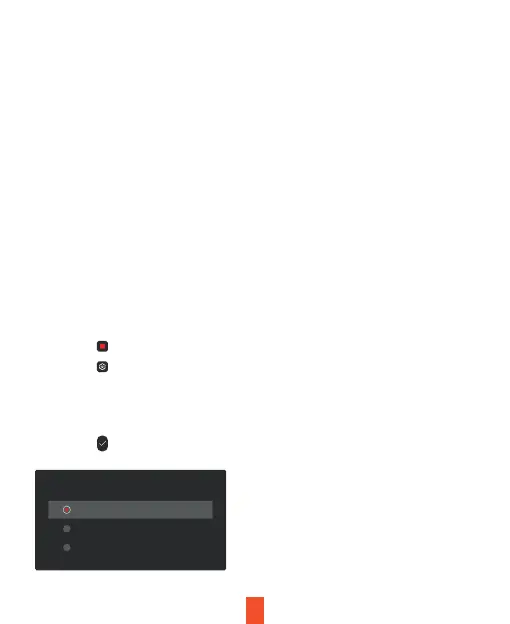
1. Tap the icon to stop recording
2. Tap the icon to access settings
3. Tap the Video Settings Button
4. Toggle to Loop Recording and select your preferred time interval
(we recommend 1 minute).
5. Tap the icon to exit
16
The dash cam can record videos in two, three, or four channels.
The video resolution taken by each camera is FHD 1920x1080P.
Basic Operations
Resolution
With Loop Recording Mode enabled, the device will continuously erase the
older video as it records a new video, keeping only the footage captured
over a user-selected time range. All video older than this range will be
replaced with new video.
Note
Any locked video files on the memory card will remain protected, and will
not be automatically deleted during Loop Recording.
Loop Recording
Loop Recording
1 minute
2 minutes
3 minutes



 To Next Page