17
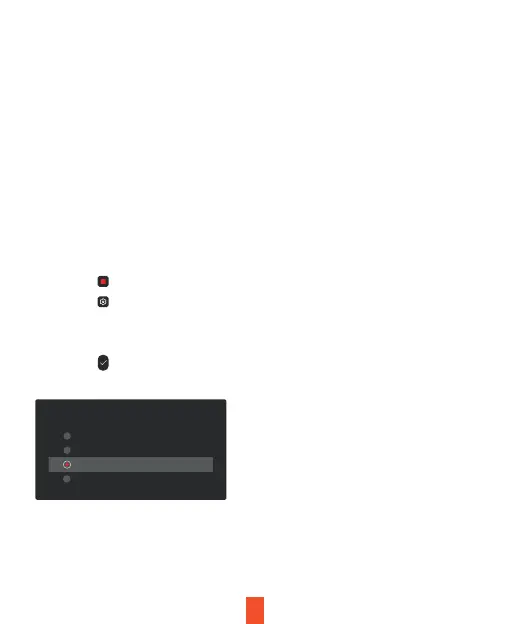
1. Tap the icon to stop recording
2. Tap the icon to access settings
3. Tap the Video Settings Button
4. Toggle to G-sensor and choose your desired sensitivity
5. Tap the icon to exit
Note
Locked video files won’t be erased by Loop Recording, they will remain
on the memory card until they are manually deleted, or when the card is
formatted.
G-sensor
If a change in gravitational forces is detected, such as in the event of a
vehicular accident, the g-sensor will signal to the camera, and an
automatic locked file will be placed on the current video, preserving your
most crucial footage. Locked videos can be found on the memory card
under “\event”.
G-sensor
Low
High
Medium
OFF



 To Next Page