21
Date Setting
4
Month
Date Format MM/DD/YY
3
5
13
Day
12
14
2024
Year
2023
2025
0
Hour
23
1
49
Minute
48
50
5
Second
4
6
Date and Time
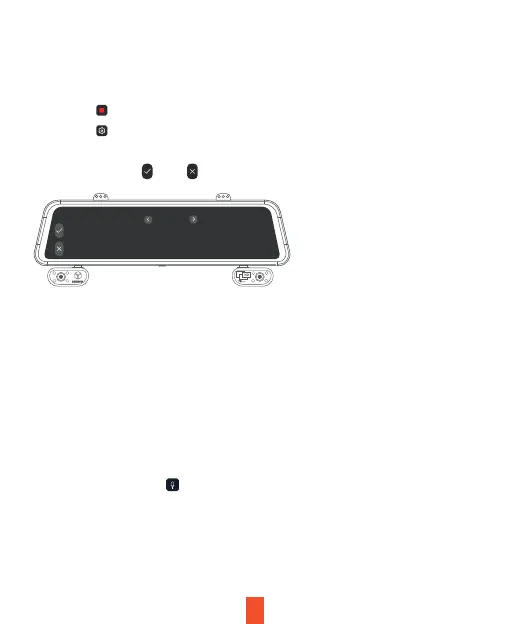
Use the following procedure to change the device’s time and date.
Light Frequency
This option should be set according to the power supply specification used
in your country or geographical region (U.S. users should select the "60Hz"
option).
Recording Audio
Key Sound
Allows you to turn the device's button sound effect on or off.
1. Tap the icon to stop recording
2. Tap the icon to access settings
3. Choice Year, Month, Day, Hour, Minute, Second
4. Tap the to save and to exit
You may choose to record audio with video, or turn off the microphone so
that all recorded videos will be muted. The microphone may also be turned
on/off by tapping the icon on the home screen.



 To Next Page