2020 rf IDEAS Inc rfIDEAS Configuration Utility User Manual P a g e 16
26 WAVE ID Plus Configuration
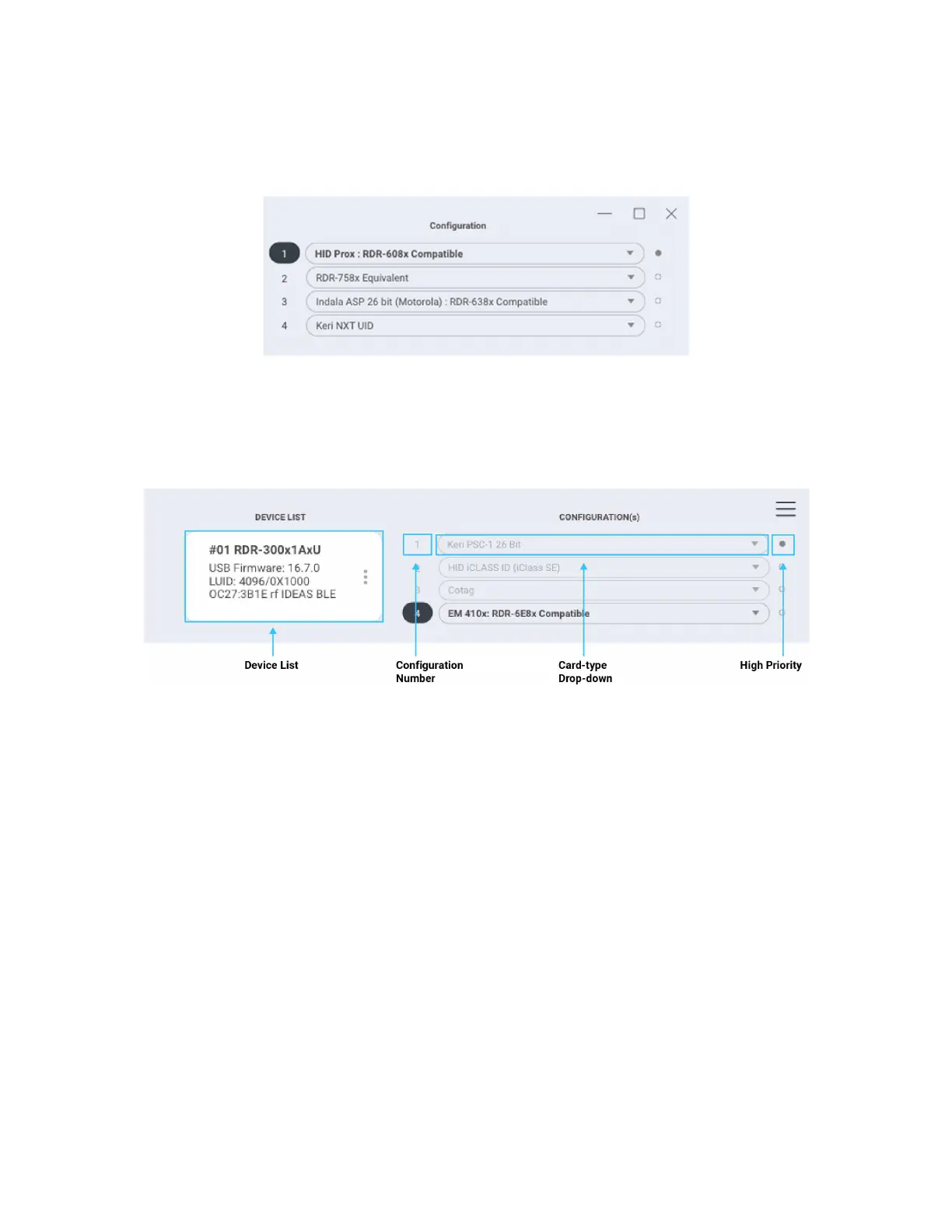
Image 16: WAVE ID Plus Configuration Area
Device List
Image 17: WAVE ID Plus Configuration Header
Device List Pulldown: Contains a list of readers found by the utility
Configurations
Configuration Number: This option provides the ability to switch between configurations
Users can set and edit settings for two or four separate configurations quickly and easily
The active configuration on utility at any particular moment will be highlighted
Card Type DropDown Menu: This dropdown menu allows users to select the required card
type for their own configuration settings Each configuration has the ability to have separate
card types



 To Next Page