2020 rf IDEAS Inc rfIDEAS Configuration Utility User Manual P a g e 18
Serial RS232 and Virtual COM Ports: The utility will search for readers connected to RS
232 or Virtual COM ports
Default 1.8: Pressing this button will reset the COM port search range COM1 through COM8
Ethernet: Connects to an Ethernet reader at the given IP address and creates a TCPIP path
to the reader The first second third and fourth byte of the TCPIP address and the port
number must be entered
Port Option: Allows for changing the Internet socket port numbers
Find Next IP Button: Looks for other readers on the same Ethernet connection
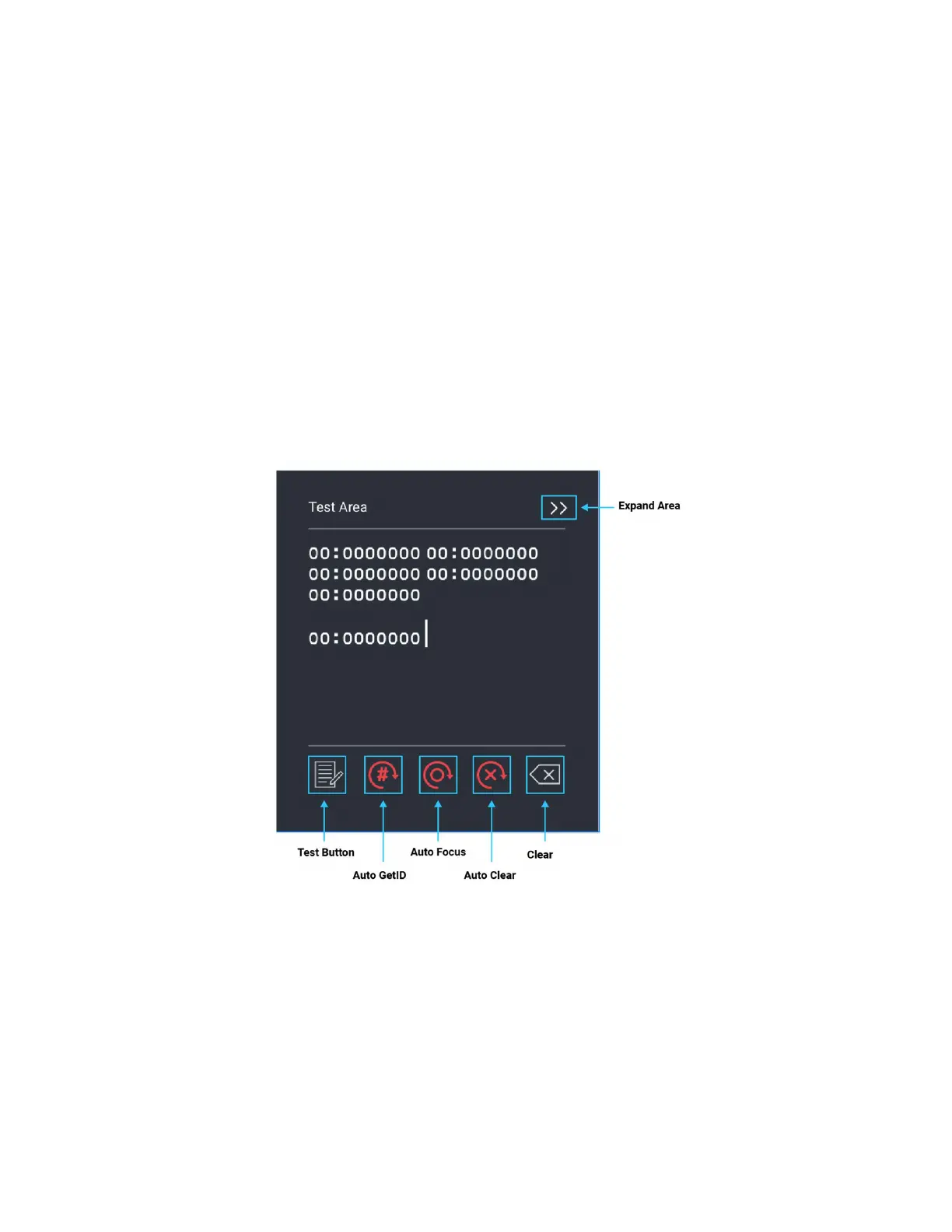
Output Test Area
Image 19: Output Test Area
This is the test area for the keystrokes entered by the reader On serial readers this displays
the unsolicited serial port data



 To Next Page