2020 rf IDEAS Inc rfIDEAS Configuration Utility User Manual P a g e 45
211 Tools Tab
Cloning
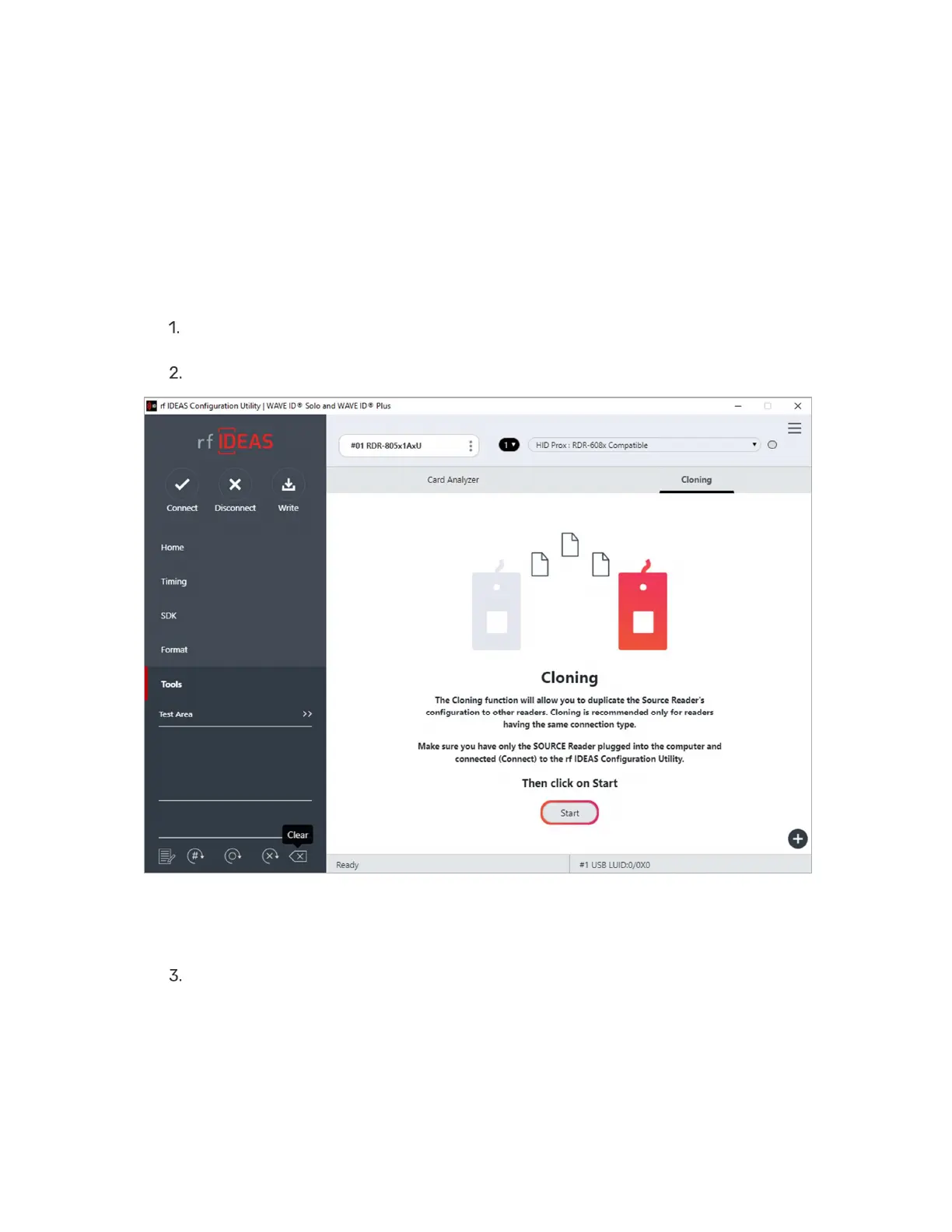
The cloning feature clones the current reader configuration settings to other readers
To initiate the cloning process:
Plug in only source reader to system and click the Connect button to connect reader
to utility
Under the Tools tab select Cloning and click on Start button
Image 48: Starting the Cloning Process
The cloning window will appear as shown below:



 To Next Page