2020 rf IDEAS Inc rfIDEAS Configuration Utility User Manual P a g e 51
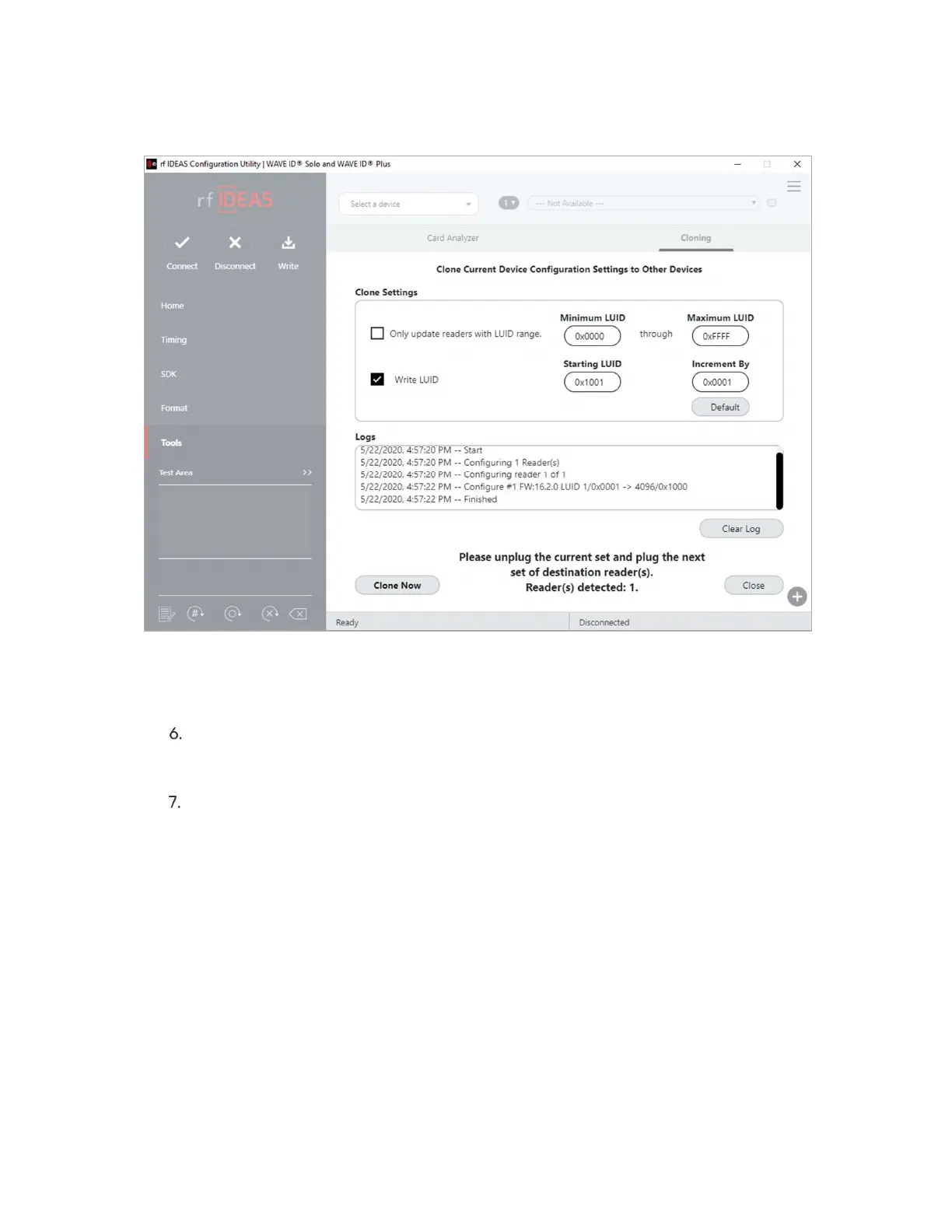
Image 53: Configuration Finished
Click the Close button to close the Cloning dialogue box Click the Connect button
in the rf IDEAS Configuration Utility to check the new cloned configuration of the
connected readers OR
Unplug the current set of destination readers and plug in next set of readerss to be
cloned and repeat the process by clicking Clone now button
Card Analyzer
The Card Analyzer makes it easy to learn and analyse a card in order to configure it into a
reader The Card Analyzer will learn the card and allow the reader to be configured based on
the analysis of the card



 To Next Page