2020 rf IDEAS Inc rfIDEAS Configuration Utility User Manual P a g e 20
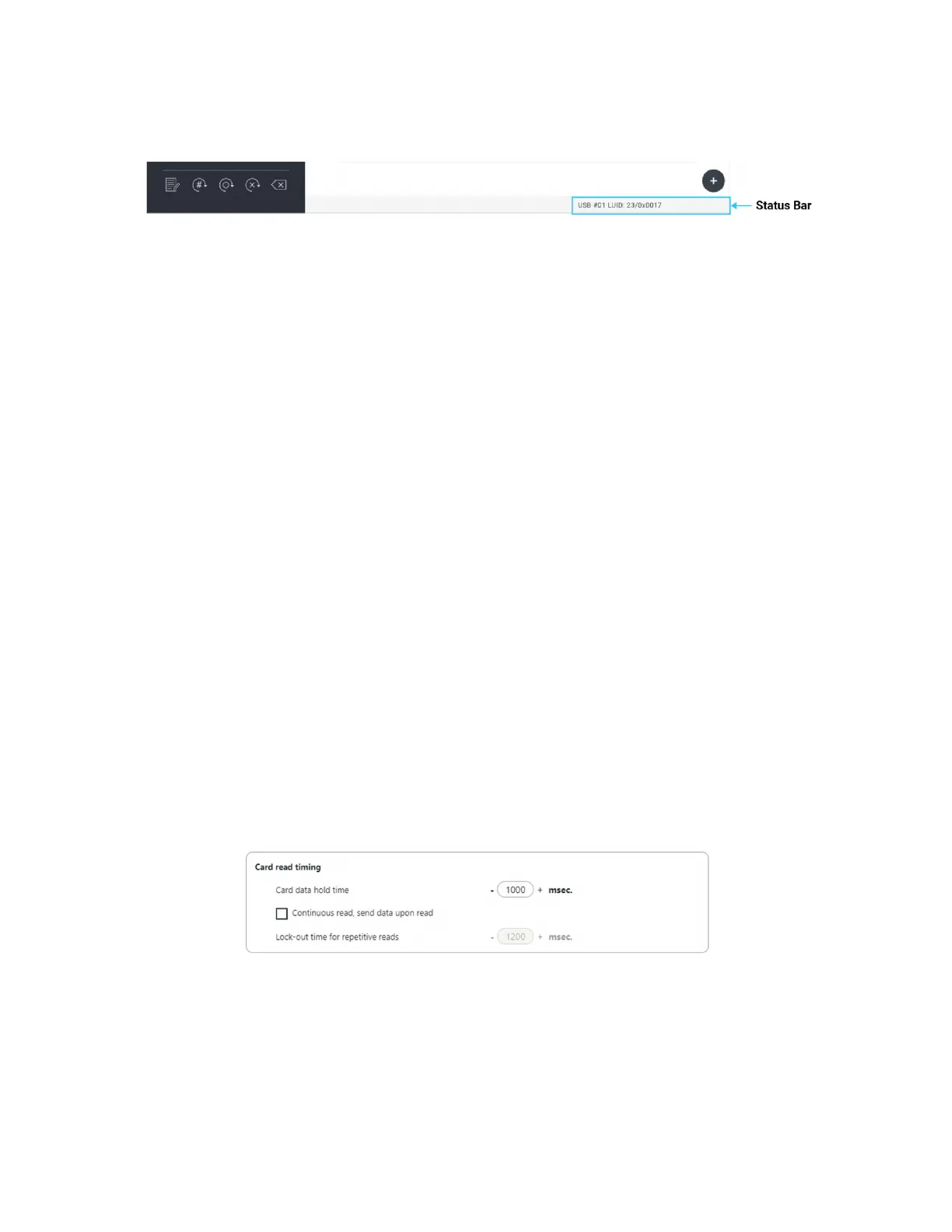
Image 21: Status Bar
The status bar reports status on the state of the reader connected or disconnected If a
reader is connected it will display the connection type and the LUID value If the reader is
disconnected the status bar will read Disconnected or No Devices Found’. It also shows
many other status in utility of different activities like Write Reset to Stored Cloning etc
28 Timing Tab
Use this tab to configure the readers card hold time ID and USB keystroke timing The
timing is presented in milliseconds
Card Data Hold Time: This option determine how long the ID is held after the card is removed
from the reader The LED will remain green until the card hold time expires then turn red
indicating a new card can be presented
The timing options can range from 50ms to 9950ms minmax increments of 50
milliseconds The default is set to 1000ms
Continuous Read, Sends Data upon Read: The reader will continuously read and send the
ID from the presented card
LockOut Time for Repetitive Reads: The time it takes the reader to read another card
must be equal to or greater than the hold time and is only done in 50 milliseconds increments
Lockout time will be enabled only for single configuration readers
Image 22: Card Read Timing



 To Next Page