2020 rf IDEAS Inc rfIDEAS Configuration Utility User Manual P a g e 21
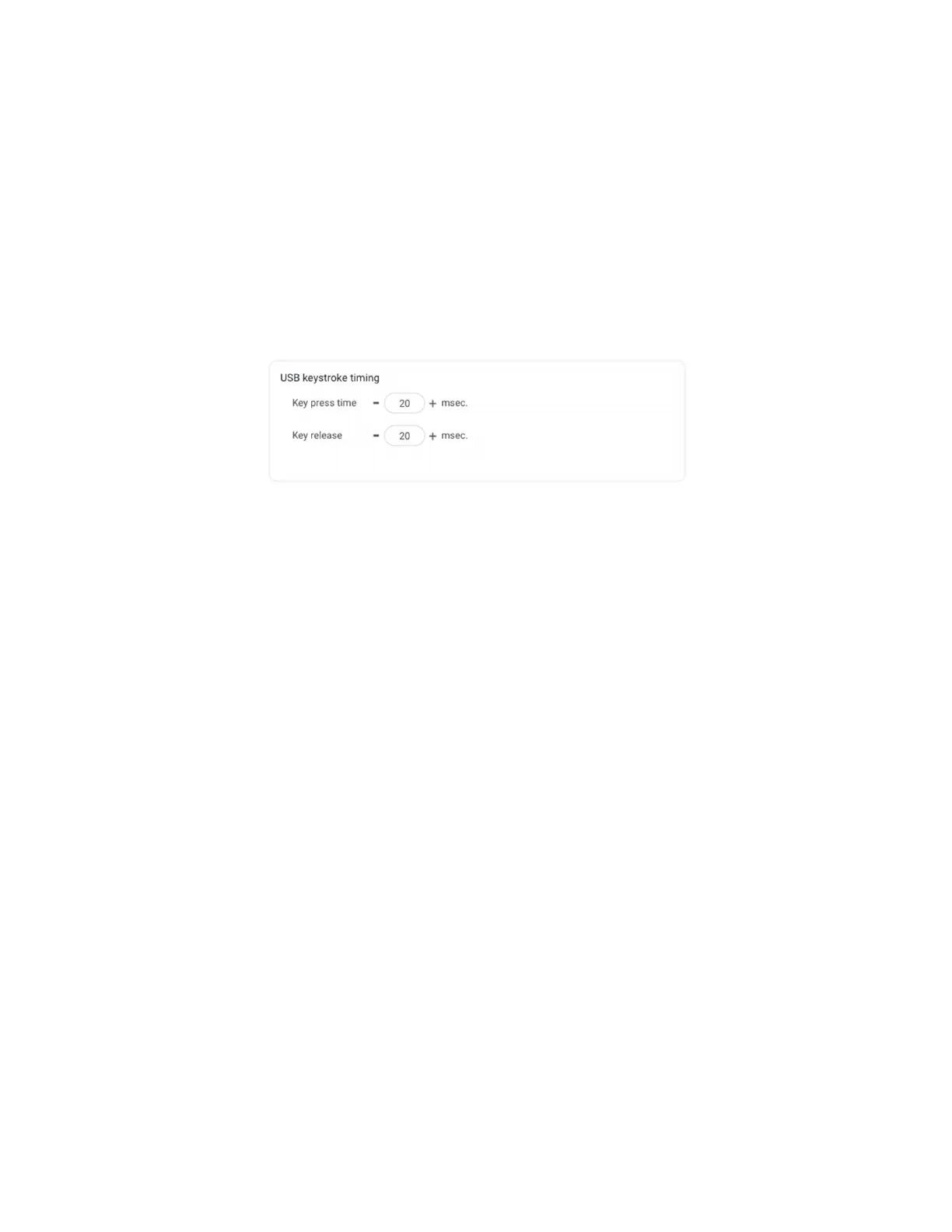
Key Press Time: The length of time the key is held down The minimum value is 0 The
maximum is 640 The default is 20
Key Release Time: Enter the time delay between keystrokes If set to 0 the reader will
output as fast as possible The minimum value is 0 The maximum is 640 The default is 20
Setting the key press and key release time too high may result in digits in the card data to be
sent more than once Setting the key press and key release time too low may result in missed
digits in card data
Image 23: USB Keyboard Emulation Timing
29 SDK Tab
Use this tab to configure the Software Developers Kit SDK functions as well as enable and
disable keystroking


 To Next Page