2020 rf IDEAS Inc rfIDEAS Configuration Utility User Manual P a g e 71
Chapter
Troubleshooting
31 Troubleshooting
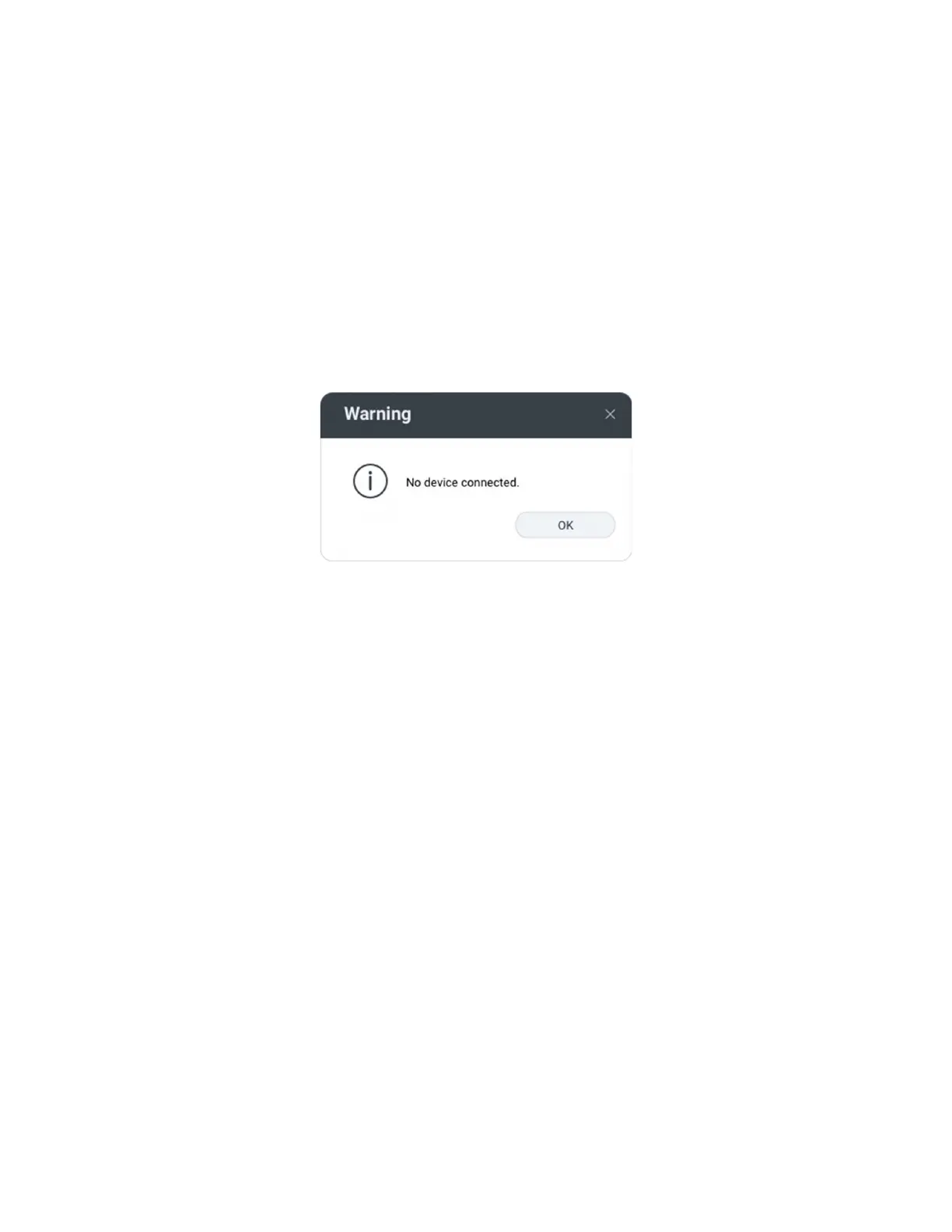
If the reader is not working or the following error message is displayed:
Image 71: No Reader Connected
1
Check to be sure the reader is connected to the USB or RS232 port When no card is
being read the LED is red A valid proximity card causes the LED to turn green
Only one COM port application can own the RS232 port at a time Make sure there is
not another COM port application running This prevents our software from seeing the
reader
2
If the reader still does not work disconnect it remove General USB Reader using
Windows Control Panel
D
AddRemove Hardware Then reboot the workstation
When the workstation boots up reattach the reader USB and the OS should reinstall
the Windows driver automatically



 To Next Page