2020 rf IDEAS Inc rfIDEAS Configuration Utility User Manual P a g e 19
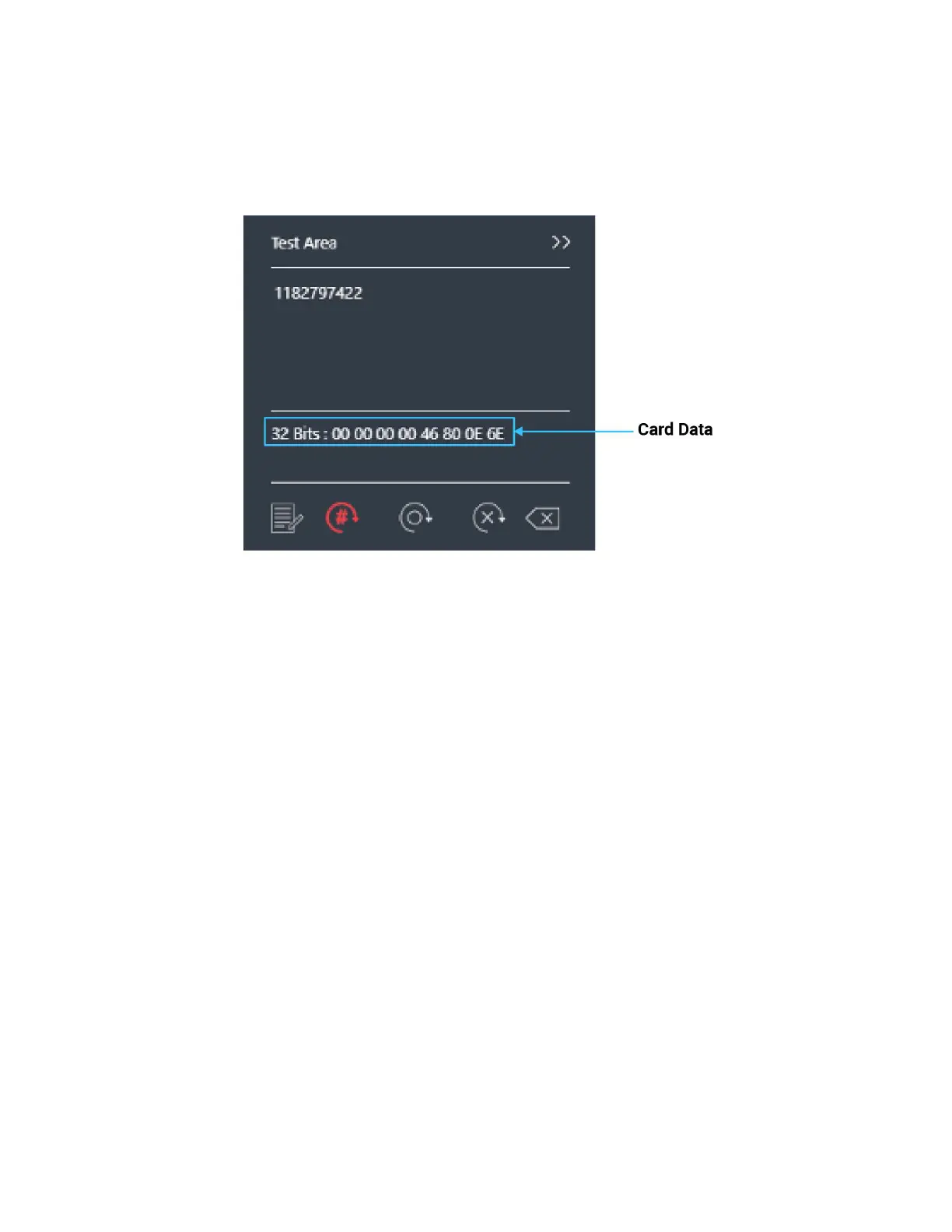
The Auto GetID icon can be selected for the utility to poll the reader for raw data and displays
the results in the lower section of the test area
Image 20: Auto GetID
The Auto Focus icon when selected keeps the cursor in the test area box to capture the
keystrokes output If you need to make any configuration changes you will need to turn off
Auto Focus
The Auto Clear box clears all text in the Output Test Area after each card scan
The Clear button erases all text in the Output Test Area each time the user manually presses
the clear button
The Test button will open a text editor This will allow a user to see the card data output from
a keystroking reader
Status Bar



 To Next Page