2020 rf IDEAS Inc rfIDEAS Configuration Utility User Manual P a g e 46
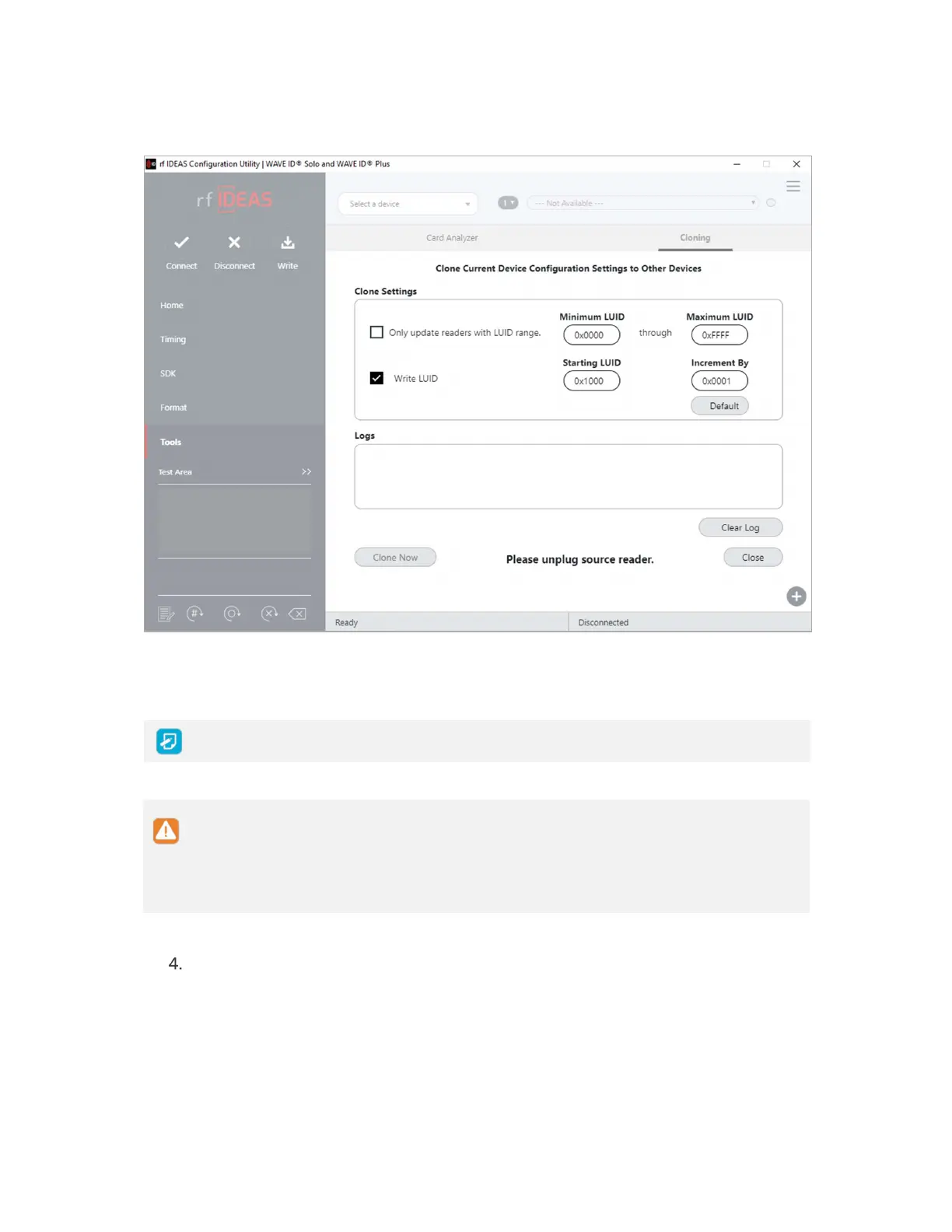
Image 49: Clone Configuration Reader Dialogue Box
To enter LUID value in hex use 0X prefix
The range displayed in the Minimum LUID and Maximum LUID fields will only come
in effect when the Only update readers within the LUID range option is selected
Starting LUID and Increment by fields will be written in the new readers only when
the Write LUID field is checked
Disconnect the source reader



 To Next Page