2020 rf IDEAS Inc Configuration Utility User Manual P a g e 80
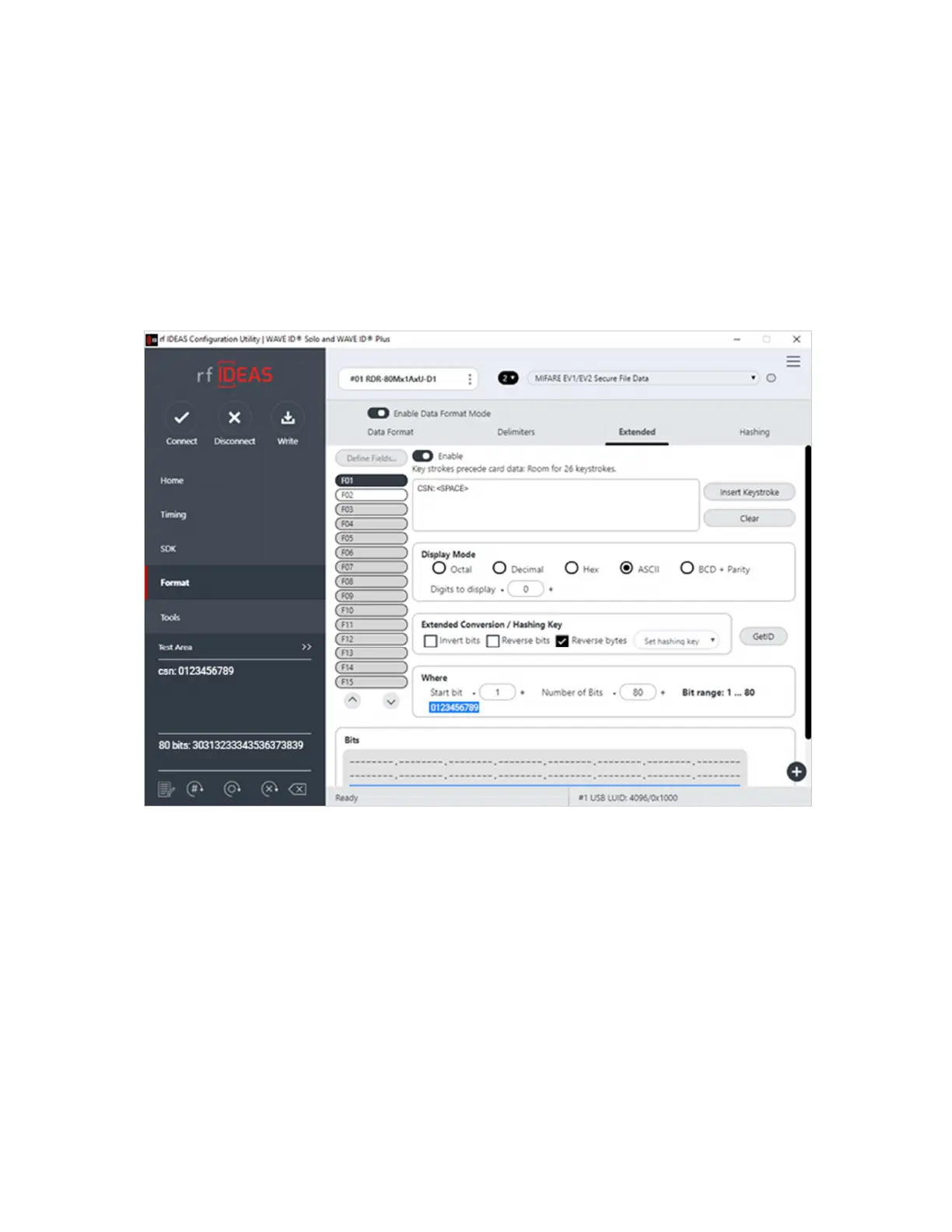
6 Click on Reverse Bytes change Start bit to 1 and Number of bits that represent the length
of the desired bit field number of ASCII characters *8
7 Write settings to the reader
8 When a Secure Card is presented to the properly configured reader it will keystroke YOUR
ASCII DATA as required
Image 72: ASCII Extended Mode



 To Next Page