EasyManua.ls Logo

RGBlink VENUS X1 PRO-E - Page 38

RGBlink VENUS X1 PRO-E
69 pages
Print Icon
To Next Page IconTo Next Page
To Previous Page IconTo Previous Page
Loading...
Chapter 3: Using Your Product
VENUS X1PRO-E User Manual
Details >>
EDID >>
Reset Parameters
->Presentation Mode Split V
H Total 1920
V Total 2160
Height 1 1080
->Scale >>
Crop >>
Crop Edge >>
->Layer A >>
Layer B >>
Layer C >>
Layer D >>
Split V
1. Select <Split V>, press the knob, shows the follows.
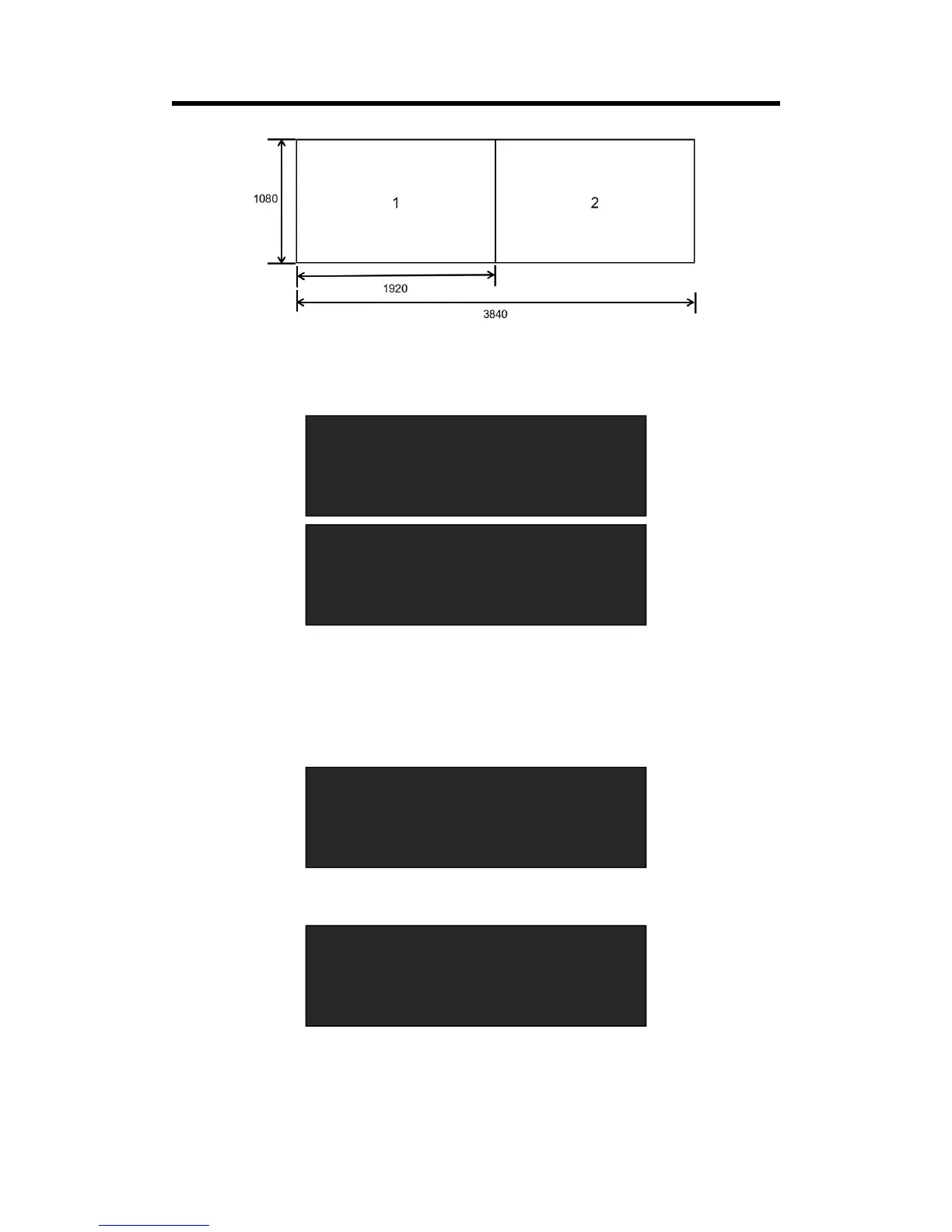
Set H total, V total, Height 1 of screen according to actual need.
For example, set V total as 2160, Height 1 is 1080, same with H total.
Set Height 1 as 1080 and Height 2 will be 1080, (V total <2160> - Height 1 <1080> = Height 2
<1080>).

2. Select <Details>, the menu items as follows:
3. Select <Layer A>, the menu items as follows:

Related product manuals