Beijing RuiZhitianhong technology Co.Ltd.
ADD.:A308 jiahua building, 9 Shangdi 3rd Street, Haidian District, Beijing. P.C.:100085.
Dell:+86-10-62970368/82923063 Fax:+86-10-82920078 URL:www.richnc.com.cn 69
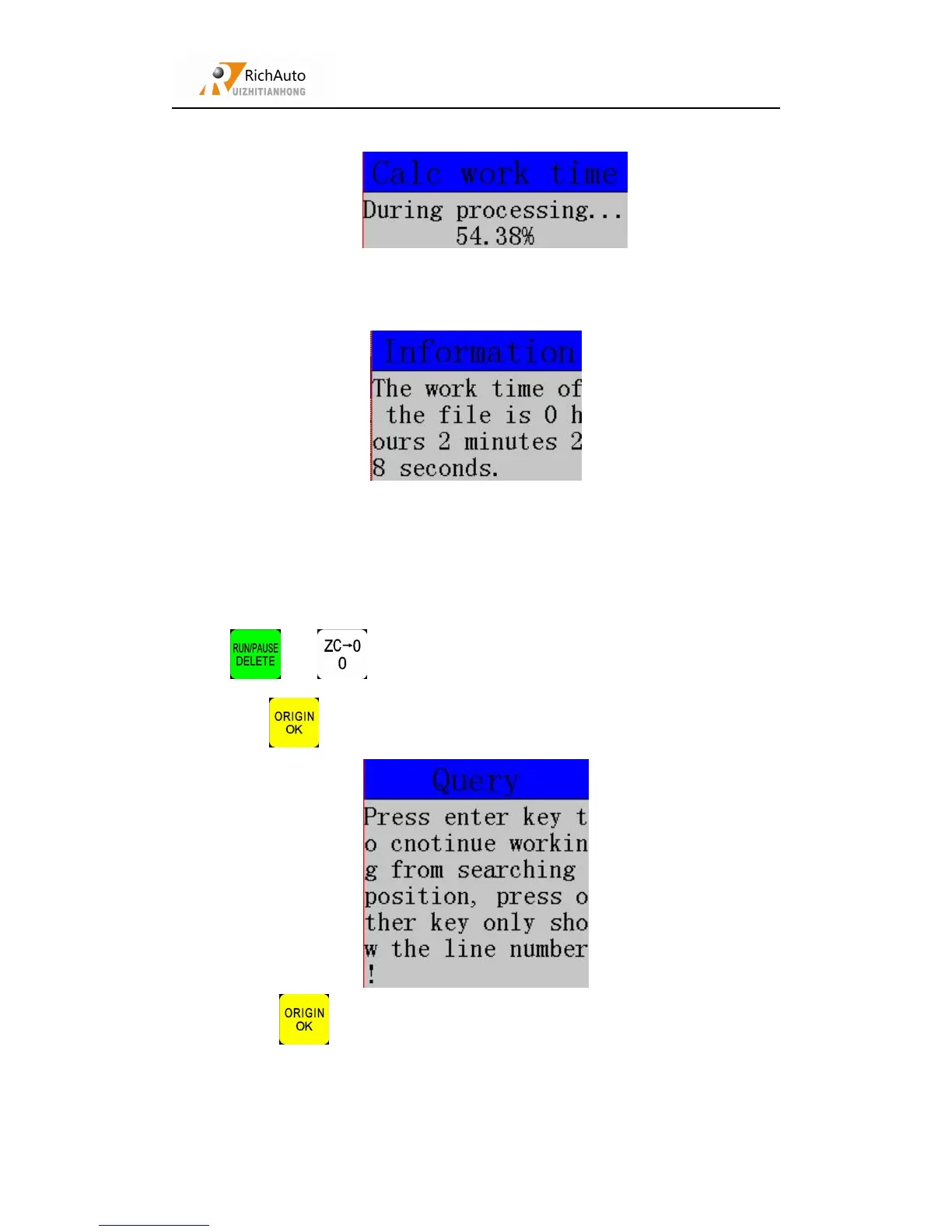
calculate the processing time::
After calculating , the screen will display file processing time(different work
speed will show different processing time):
During processing, if accidentally tool damaged and user hasn’t saved the break
point, stop working and replace tool. After that, user can manually move X, Y axis to
the nearest point where the cutter was broken (recommend to move a little further),
press “ ”+“ ”to start advanced work, move cursor to “Find break no.”,
then press “ ”to enter, system will prompt:
Press “ ”to start working.



 To Next Page