Control Panel
11
1
Using as a network delivery scanner
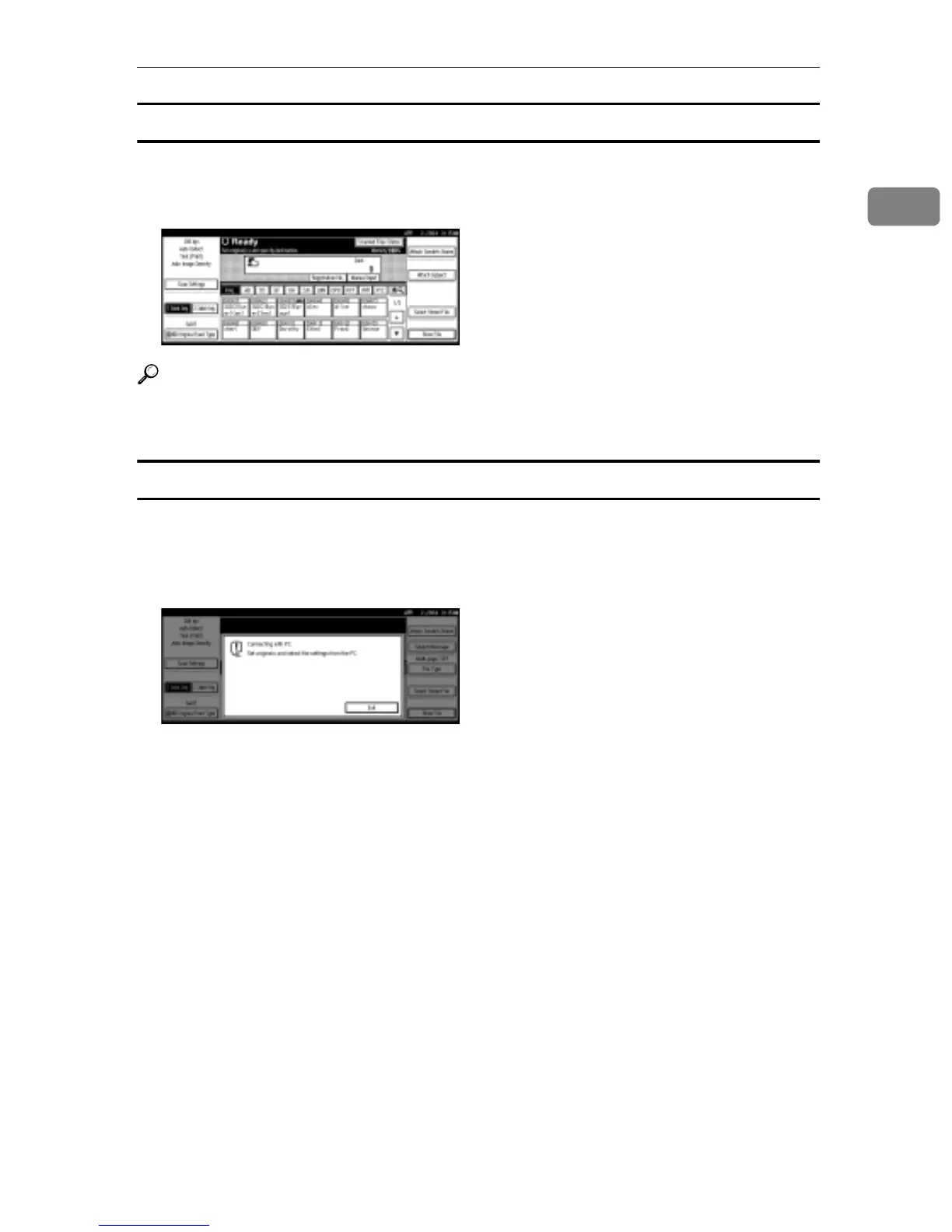
Press the {Scanner} key to display the Network Delivery Scanner screen (when
[Delivery Server] has been selected in [Destination List Display Priority 1]). If the Net-
work TWAIN Scanner screen appears, press [Exit].
Reference
For information about Destination List Priority, see p.20 “Destination List Set-
tings”.
Using as a network TWAIN scanner
When using the machine as a network TWAIN scanner, it is not necessary to
press the {Scanner} key on the control panel. When the TWAIN driver becomes
active on a client computer, the display automatically switches to the following
screen.
Press [Exit] to use functions other than the network TWAIN scanner function.



 To Next Page