Using the Document Server Function
74
6
Storage Procedure
Scan and store the file in the Docu-
ment Server.
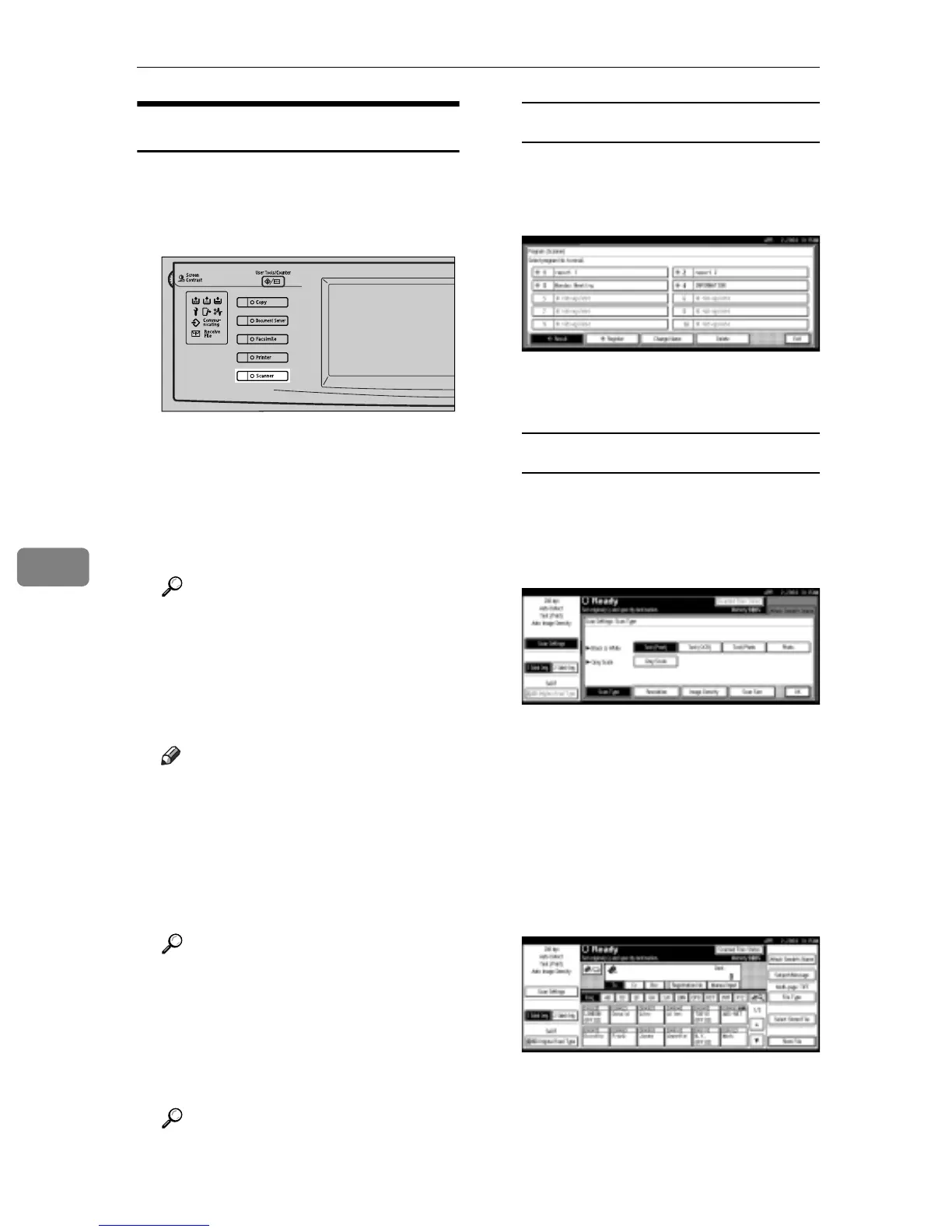
A Press the {Scanner} key.
B If the user codes are set, enter a
user code with the number keys,
and then press the {#} key.
The Scanner Function screen ap-
pears.
Reference
For information about the user
codes, see General Settings
Guide.
C Make sure that no previous set-
tings remain.
Note
r If a previous setting remains,
press the {Clear Modes} key.
D Place the original in the machine,
and then adjust the settings for
original size and orientation if re-
quired.
Reference
p.35 “Setting Originals”
E Make the scan settings.
To make the scan settings, recall
the stored settings or make the set-
tings individually.
Reference
p.16 “Scan Settings”
Recalling stored scan settings
A Press the {Program} key.
B Select a user program of scan
settings.
The selected user program set-
tings are applied.
Making settings individually
A Press [Scan Settings].
B Select items such as resolution
and original size and change
their settings.
Scan settings can be made in the
same way as Default Scan Set-
tings. See p.16 “Default Scan
Settings”.
C Press [OK].
F Make the settings for storing scan
files.
A Press [Store File].
ZHSS020N



 To Next Page