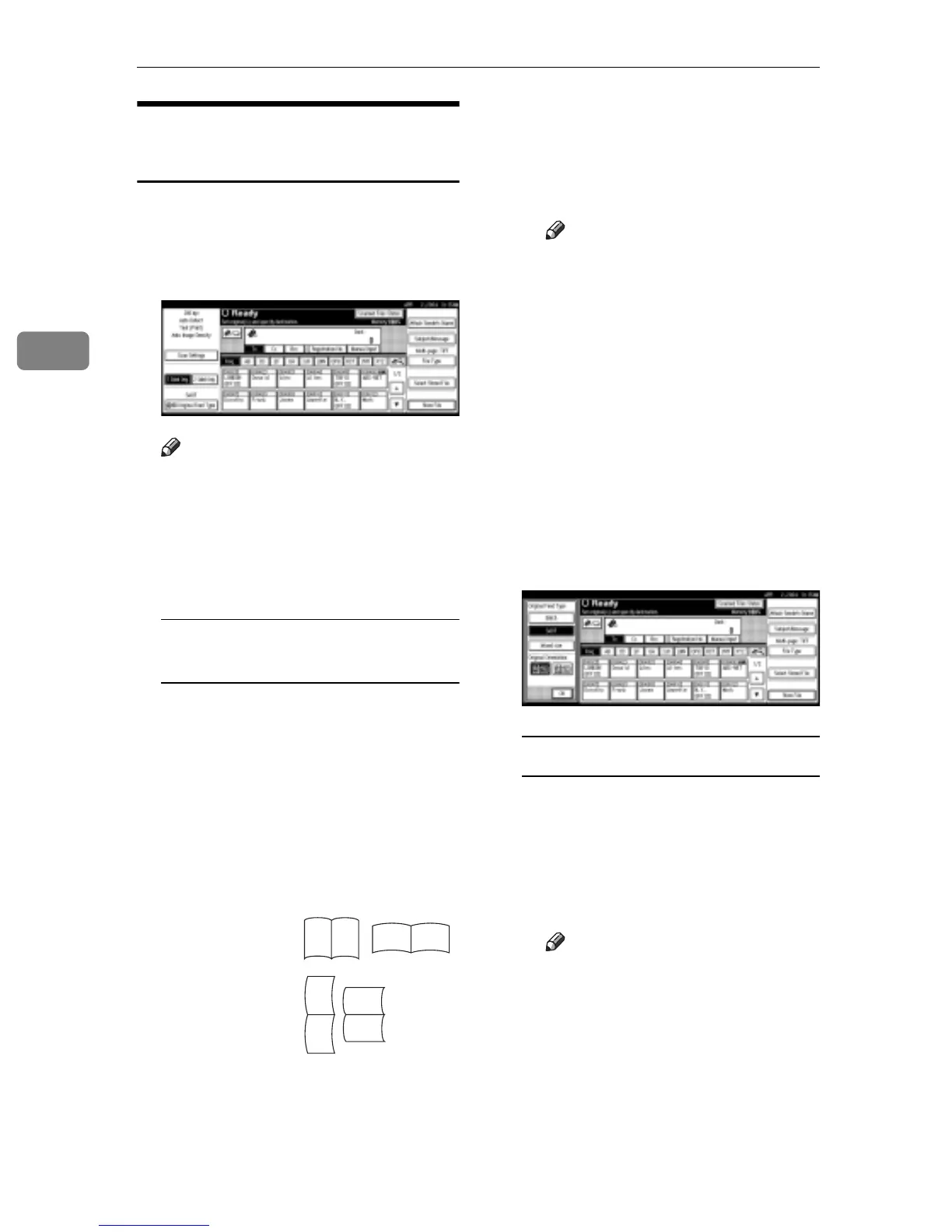
Setting Originals
40
3
For E-mail, Scan to Folder, and
a Network Delivery Scanner
A Make settings for one-sided/two-
sided combination, Batch/SADF,
mixed original sizes, and original
orientation.
Note
r The defaults can be changed us-
ing the initial scan settings [Orig-
inal Setting], [Original Feed Type
Priority], [Mixed Original Sizes Pri-
ority], and [Original Orientation Pri-
ority]. See p.16 “Scan Settings”.
One-sided original/Two-sided
original selection
A When scanning one-sided orig-
inals, make sure that [1 Sided
Orig.] is selected.
B When scanning two-sided
originals, press [2 Sided Orig.] to
select [2 sided orig.: T to T] or [2
sided orig.: T to B] according to
the binding orientation of the
original.
C
When the last page of two-sid-
ed originals is blank, select
[
1
Side
]
to skip that side and finish
scanning, or select
[
2 Sides
]
to
scan that side as a blank page.
Note
r When [1 Side] is selected for
[Last Page], file size will be
bigger than the one for the
originals, and the e-mail can-
not be sent beyond the limit
of Max. E-mail Size. In this
case, change the setting of
[Max. E-mail Size] of [Scanner
Features].
D Press [OK].
B Make settings for Batch/SADF,
mixed original sizes, and original
orientation, and then press [Origi-
nal Feed Type].
Batch/SADF selection
A When scanning a large number
of originals by dividing the
originals and scanning them
individually or in batches,
check that either [Batch] or
[SADF] is selected.
Note
r Select [SADF], and the setting
of [Wait Time for Next Origi-
nal(s): SADF] of [Scan Settings]
of [Scanner Features] is availa-
ble. Or select [Batch], and the
machine waits until addi-
tional originals are set. See
p.42 “Scanning Originals in
Several Times”.
Top to top
original:
Top to bot-
tom original:
RS
RS
R
S
S
R



 To Next Page