Initial Scanner Setup
15
2
Setting procedure
A Press the {User Tools/Counter} key.
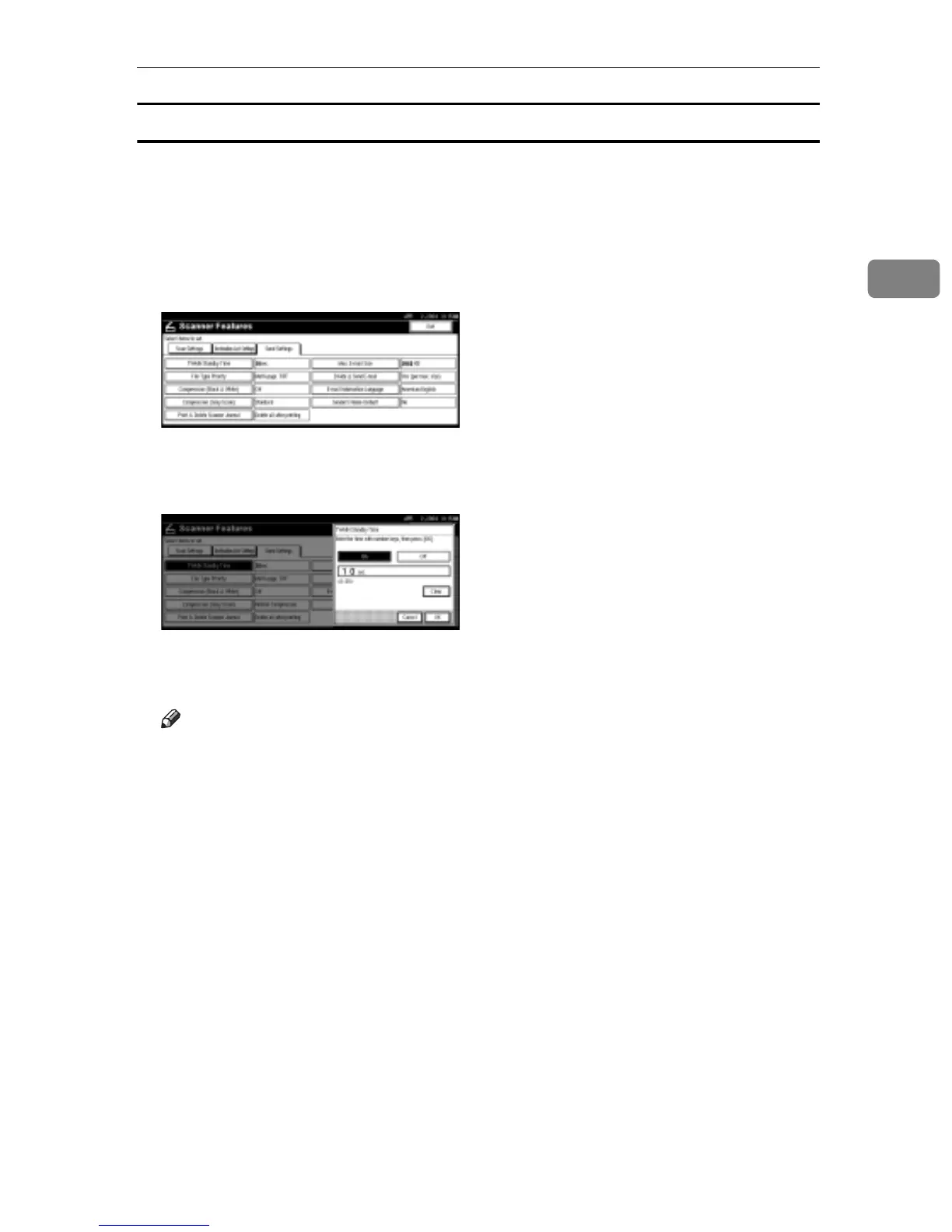
B Press [Scanner Features].
C Press [Send Settings].
D Press the item to be set.
Example: TWAIN Standby Time setting
E Change the setting.
• To select an item, touch its key on the screen. The item is highlighted.
• To enter numbers, use the number keys.
Note
r To cancel changing a setting, press [Cancel]. The setting returns to the pre-
vious condition.
F Press [OK].
G Repeat steps
D
to
F
to make other settings.
H Press [Exit].
The main menu reappears.



 To Next Page