Setting Originals
38
3
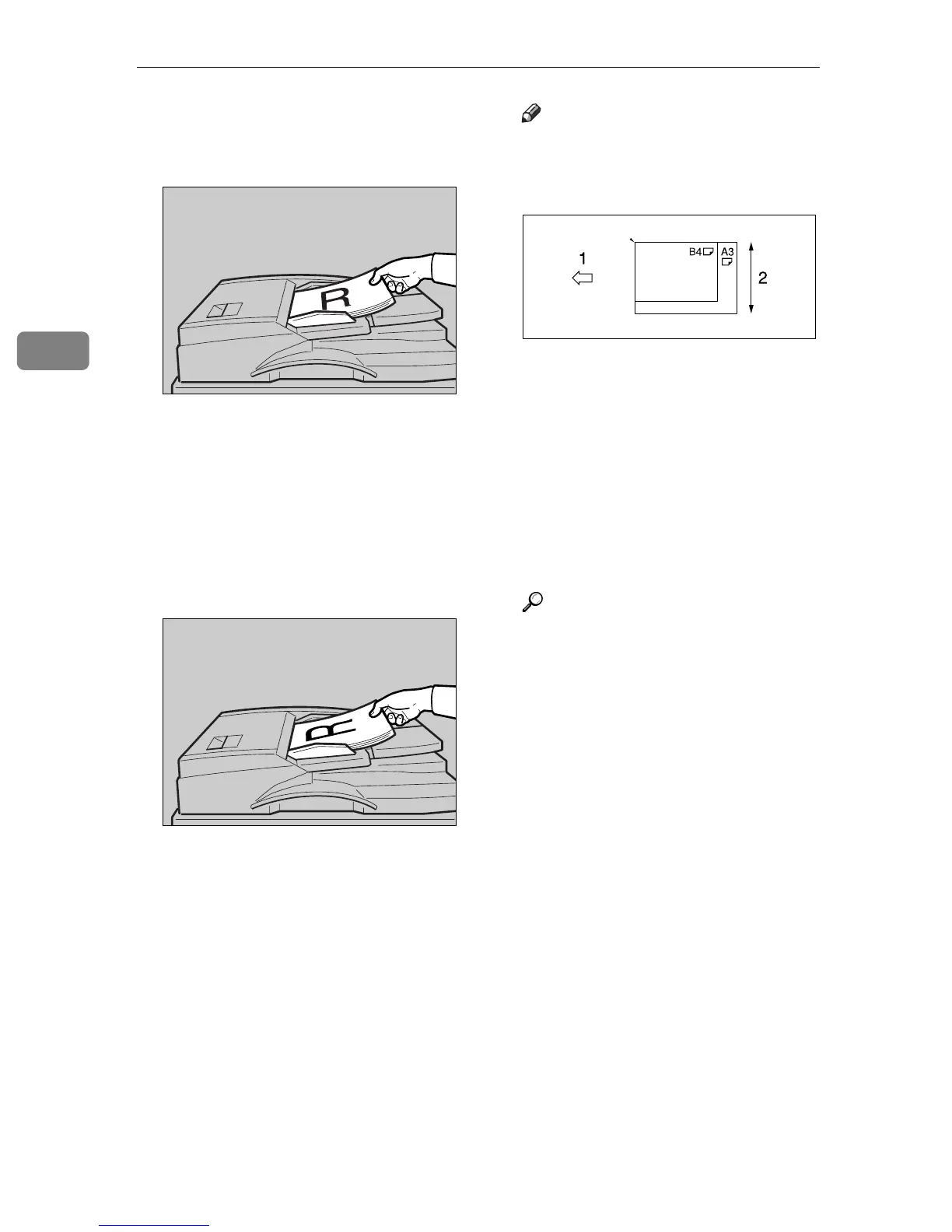
v When placing the originals so that
the top edges touch the back of the
ADF
v When placing the top edges of the
originals first
When using the machine as a
network TWAIN scanner, this
orientation is the standard set-
ting for the TWAIN driver. Nor-
mally, use this orientation for
placement.
Note
r Originals with different sizes
can be placed at the same time.
Place the originals as shown:
1. ADF placement orientation
2. Height
r Originals are scanned in the in-
serted order, starting with the
topmost page.
C Select the original orientation ac-
cording to the orientation of the
placed originals.
Reference
p.35 “Specifying original orien-
tation and setting originals”
Proceed to p.39 “Original Orienta-
tion and Scan Area”.
ZHSY010N
ZHSY020N
ZHSY080N



 To Next Page