Sending Scan File by E-mail
53
4
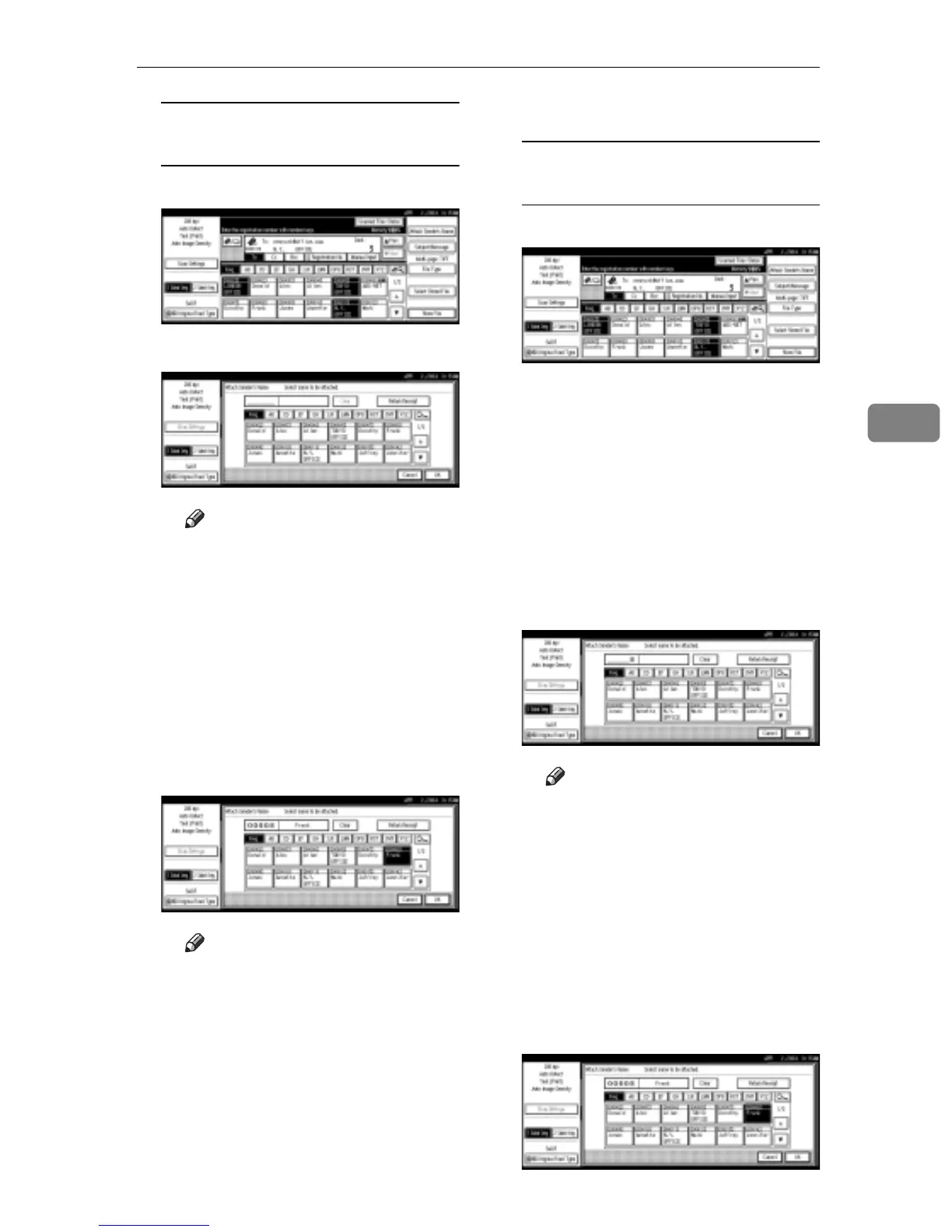
When selecting a sender from the
list
A Press [Attach Sender's Name].
B Select the sender.
Note
r When a protection code has
been set, a screen for entering
the protection code appears
after selecting the sender. En-
ter the protection code, and
then press [OK]. When the
protection code you entered
is correct, the sender name is
displayed.
C For a reception confirmation e-
mail, press [Return Receipt].
Note
r
When
[
Return Receipt
]
is select-
ed, an e-mail notifying that the
e-mail has been read by the
destination party is sent to the
sender selected here. Howev-
er, if the mailing software
used by the destination party
does not support MDN (Mes-
sage Disposition Notification),
the e-mail may not be sent.
D Press [OK].
Using a registration number to
specify a sender name
A Press [Attach Sender's Name].
B Use the number keys to enter
the five-digit registration
number that has been assigned
to a sender.
If the entered number is less
than five digits long, press the
{#} key after the last number.
Example: To enter 00008
Press the {8} key, and then
press the {#} key.
Note
r When a protection code has
been set, a screen for entering
the protection code appears
after selecting the sender. En-
ter the protection code, and
then press [OK]. When the
protection code you entered
is correct, the sender name is
displayed.
C For a reception confirmation e-
mail, press [Return Receipt].



 To Next Page