2. Open to right
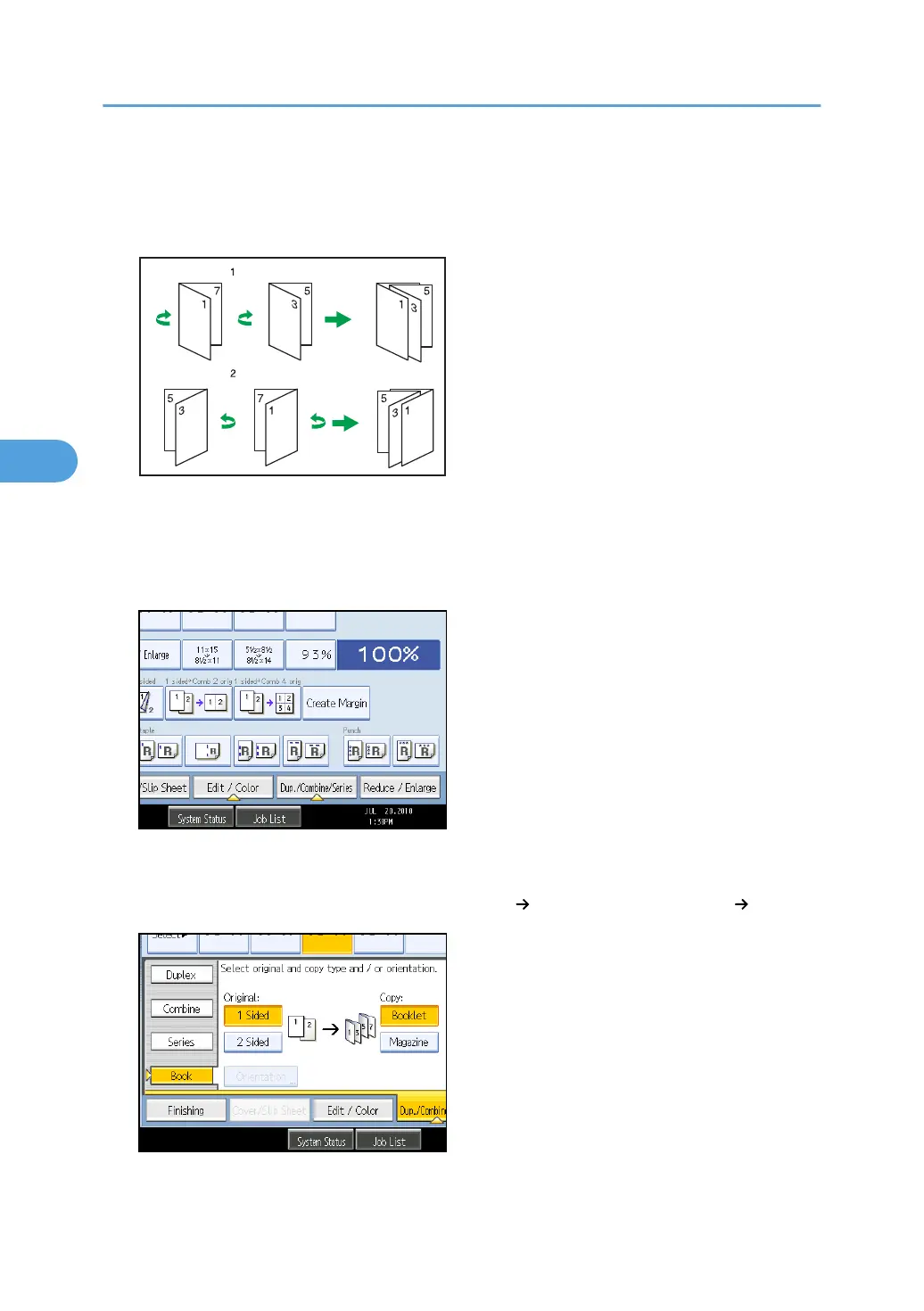
How to fold and unfold copies to make a magazine
Fold and stack copies to make a magazine, and open.
1. Open to left
2. Open to right
1. Press [Dup./Combine/Series].
2. Press [Book].
3. Select a book type separately for the original ([1 Sided] or [2 Sided]) and copy ([Booklet]
or [Magazine]), or select a book type from [Book 2 Sided] and [Front&Back 2 Sided].
4. Advanced Copying
180



 To Next Page
 Loading...