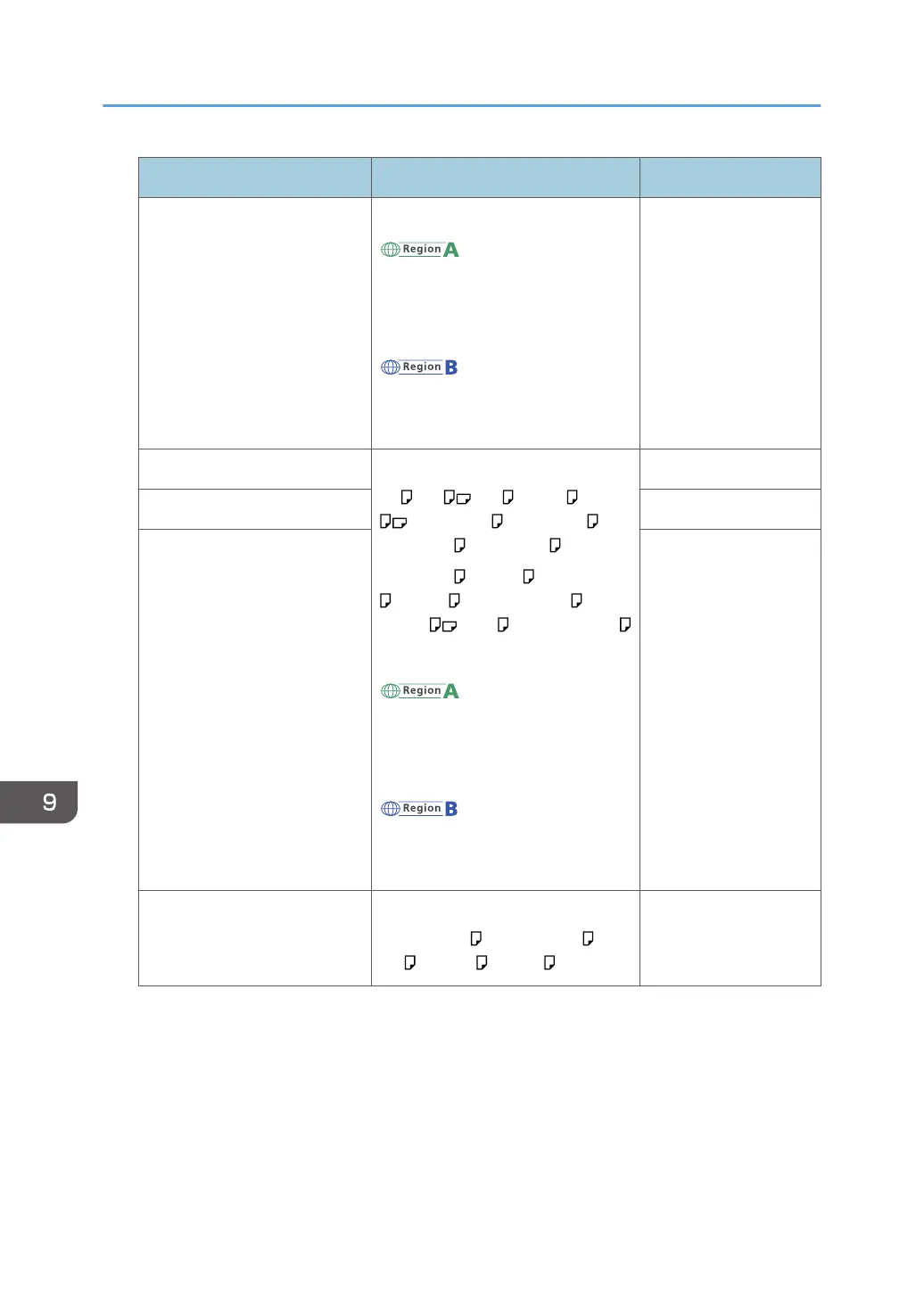
Paper type and weight Paper size Paper capacity
52–162 g/m
2
(14 lb. Bond–
90 lb. Index)
Thin Paper–Thick Paper 2
Custom size
*4
:
(mainly Europe and
Asia)
Vertical: 127.0–900.0 mm
Horizontal: 60.0–216.0 mm
(mainly North America)
Vertical: 5.00–35.43 inches
Horizontal: 2.37–8.50 inches
• Thin Paper–Plain
Paper 2: 100
sheets
• Middle Thick–
Thick Paper 2:
*3
Translucent paper Select the paper size
*1*2
:
A4 , A5 , A6 , B5 JIS , B6 JIS
, 8
1
/
2
× 14 , 8
1
/
2
× 13 ,
8
1
/
2
× 11 , 8
1
/
4
× 14 ,
8
1
/
4
× 13 , 8 × 13 , 8 × 10
1
/
2
, 8 × 10 , 7
1
/
4
× 10
1
/
2
, 5
1
/
2
× 8
1
/
2
, 16K , 8
1
/
2
× 13
2
/
5
Custom size
*4
:
(mainly Europe and
Asia)
Vertical: 127.0–900.0 mm
Horizontal: 60.0–216.0 mm
(mainly North America)
Vertical: 5.00–35.43 inches
Horizontal: 2.37–8.50 inches
*5
OHP transparencies
*6
Label paper (adhesive labels) 1 sheet
Envelopes Select the paper size:
4
1
/
8
× 9
1
/
2
, 3
7
/
8
× 7
1
/
2
, C5
Env , C6 Env , DL Env
*7
*1
When a print job is performed on A5 or 5
1
/
2
" × 8
1
/
2
" paper, it is recommended to load the paper
horizontally. While a print job is performed on paper that is loaded vertically, smearing may occur near
the edges of the printed paper.
*2
For copier mode, see "Copying onto Regular Size Paper from the Bypass Tray", Copy/ Document
Server. For printer mode, see page 126 "Specifying regular sizes using the control panel".
*3
When loading thick paper in the bypass tray, do not stack paper over the limit mark. The number of
sheets you can load in the bypass tray varies depending on the weight and condition of the paper.
9. Adding Paper and Toner
146



 To Next Page