11. Icons
Displays an icon that indicates the function used to store the document. If a password has been specified for a
file, a lock icon appears to the left of the user name for the file.
The following icons appear in the list of the Document Server to indicate the function used to store a
document:
Function Icon
Copier
Fax
Printer
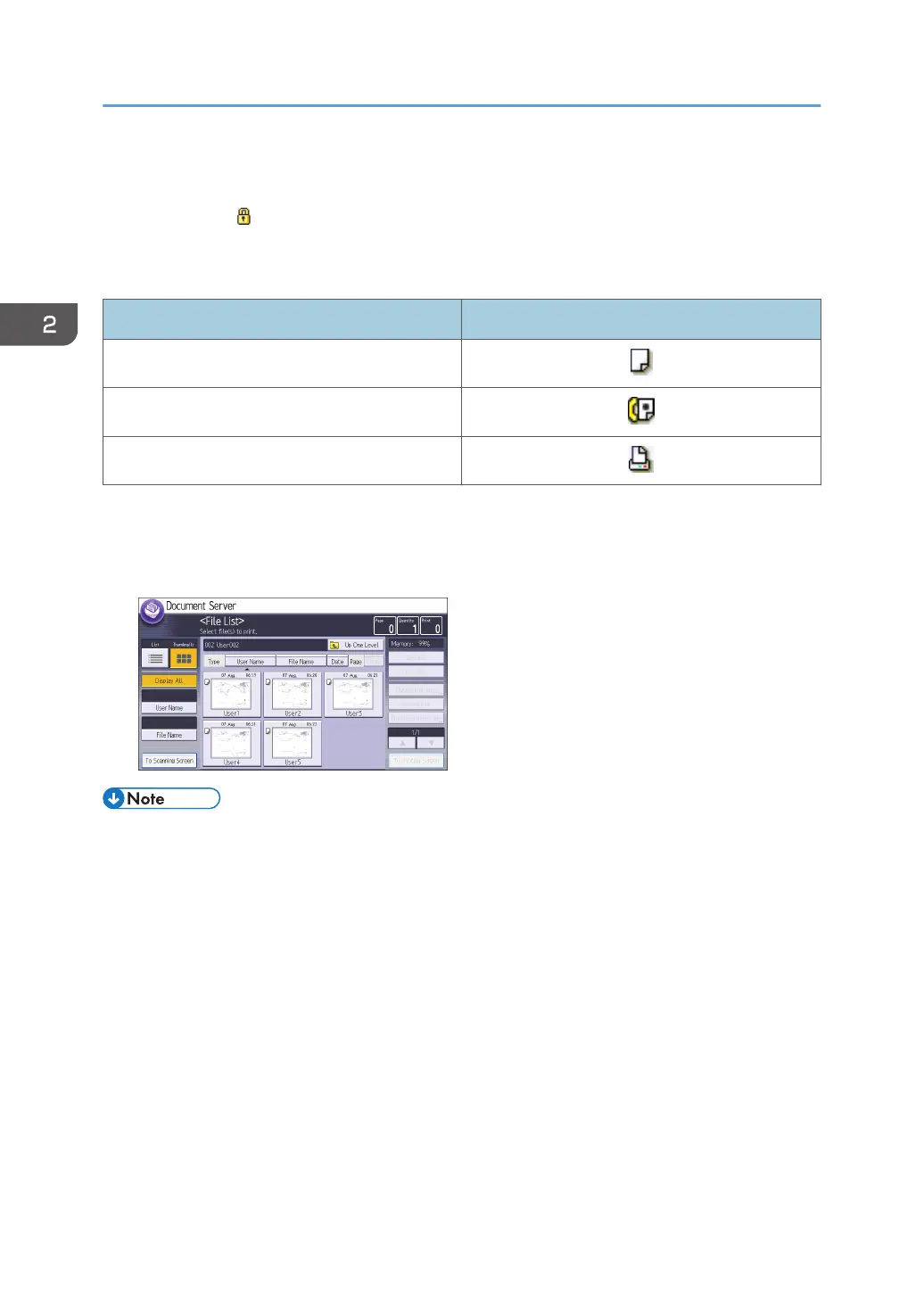
[Thumbnail] screen
In thumbnail view, reduced versions of the stored documents are displayed. This is useful for
checking a document's content on the file list screen.
• Some stored documents may not be displayed, depending on the security settings.
2. Getting Started
58



 To Next Page